🖼️ HEIC to JPG Converter
Fast, free HEIC to JPG conversion
Loading converter...
Why choose our tool?
Engineered with professional standards for the best conversion experience
Very fast
Instant conversion in your browser — no upload or waiting.
Zero Latency100% private
Your images stay on your device — nothing is uploaded to a server.
Local EncryptionPro Quality
Smart export balance between quality and size.
92% QualityWorks on any device
Compatible with desktop, mobile, and tablet devices.
Multi-Platform4 Simple Steps to Success
Upload HEIC
Select your iPhone photo or drag and drop it into the secure converter.
Select Portal
Choose your target (e.g. Canada IRCC, US Passport) to load specific standards.
Fix My Photo
Click 'Fix My Photo' to apply official dimensions and file size rules.
Download JPG
Get your portal-ready JPG instantly. Privacy is 100% guaranteed.
📚 Popular Guides
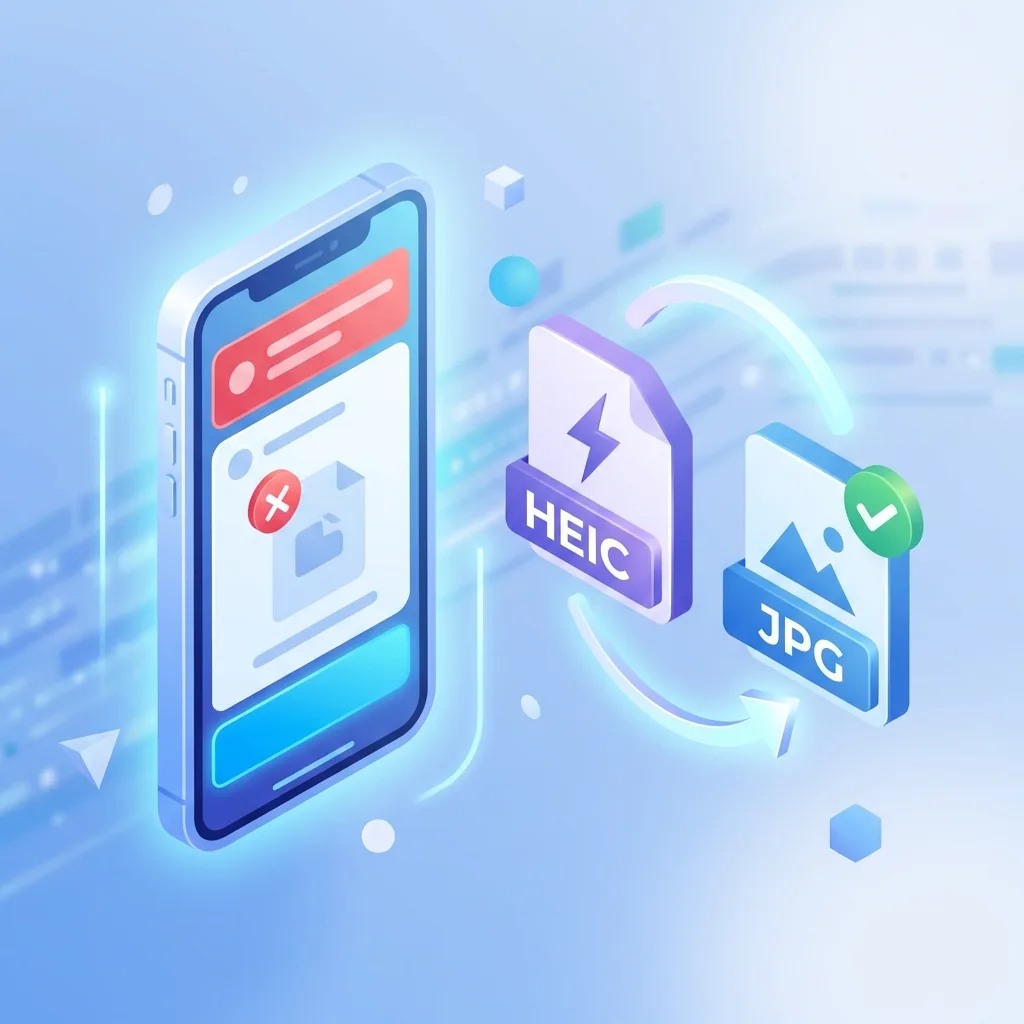
Fix: Absher Upload Error - 'Unsupported File Format' (iPhone Photos)
If you're trying to upload your personal photo or documents to the Absher platform (Saudi Arabia's government services portal) and seeing 'Unsupported file format' or 'Please upload JPG or PNG', you're not alone. The issue isn't Absher or your phone — it's the HEIC format iPhones use by default since iOS 11.
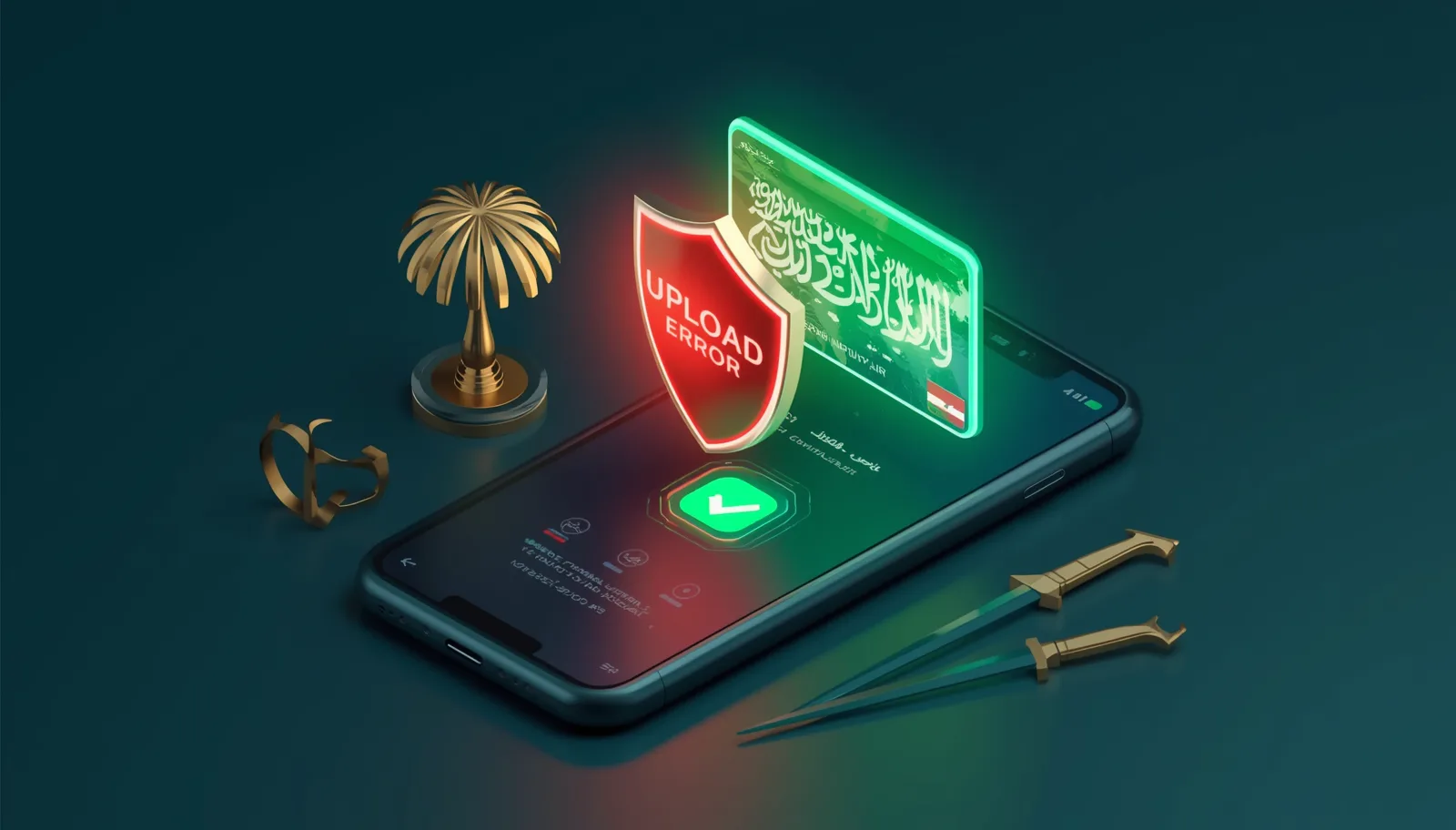
Fixing Image Upload Issues in Nafath (Saudi National Single Sign-On)
Is the Nafath app or the National Single Sign-On portal rejecting your photos or documents? The reason is often the HEIC format used by iPhones. Here is the secure solution.
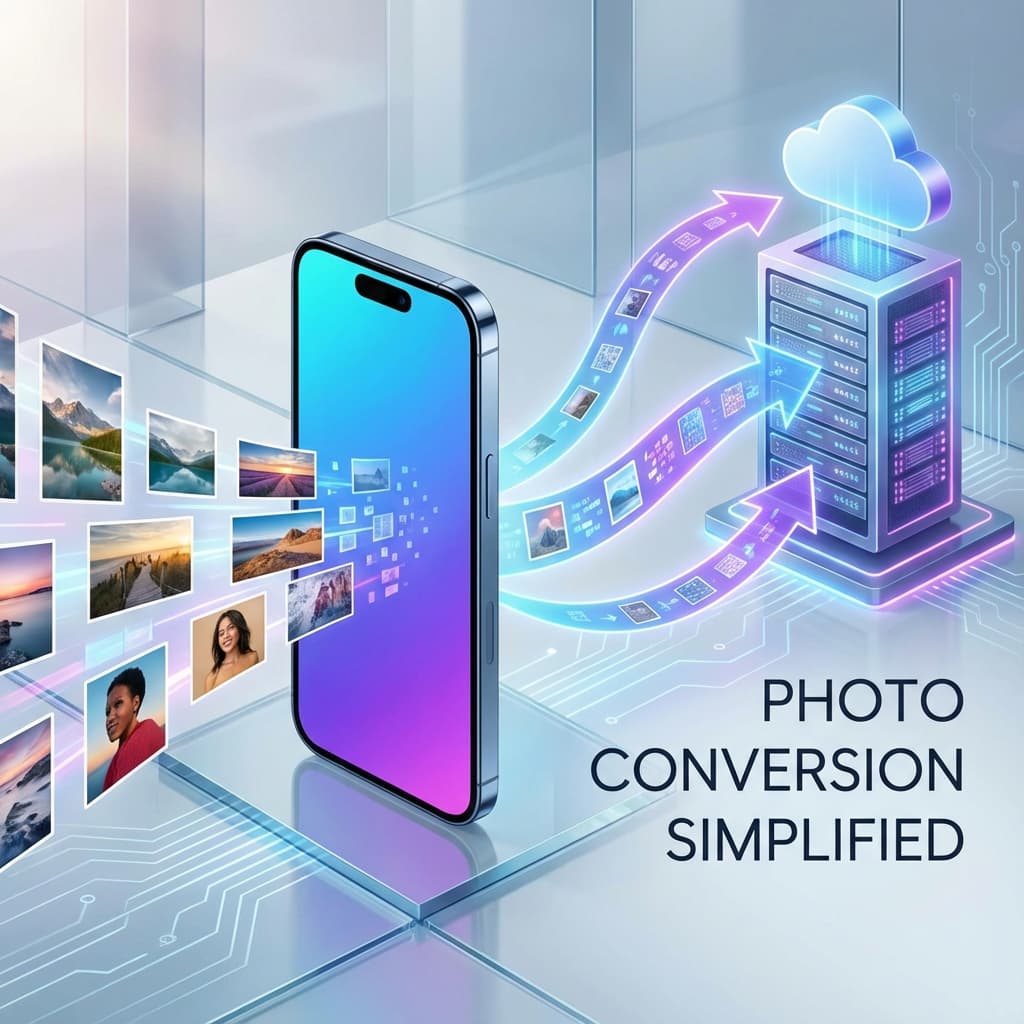
Convert iPhone Photos to JPG — Free & Easy
Struggling to share iPhone photos? HEIC is great for storage but bad for compatibility. Here’s how to convert them to JPG in seconds.
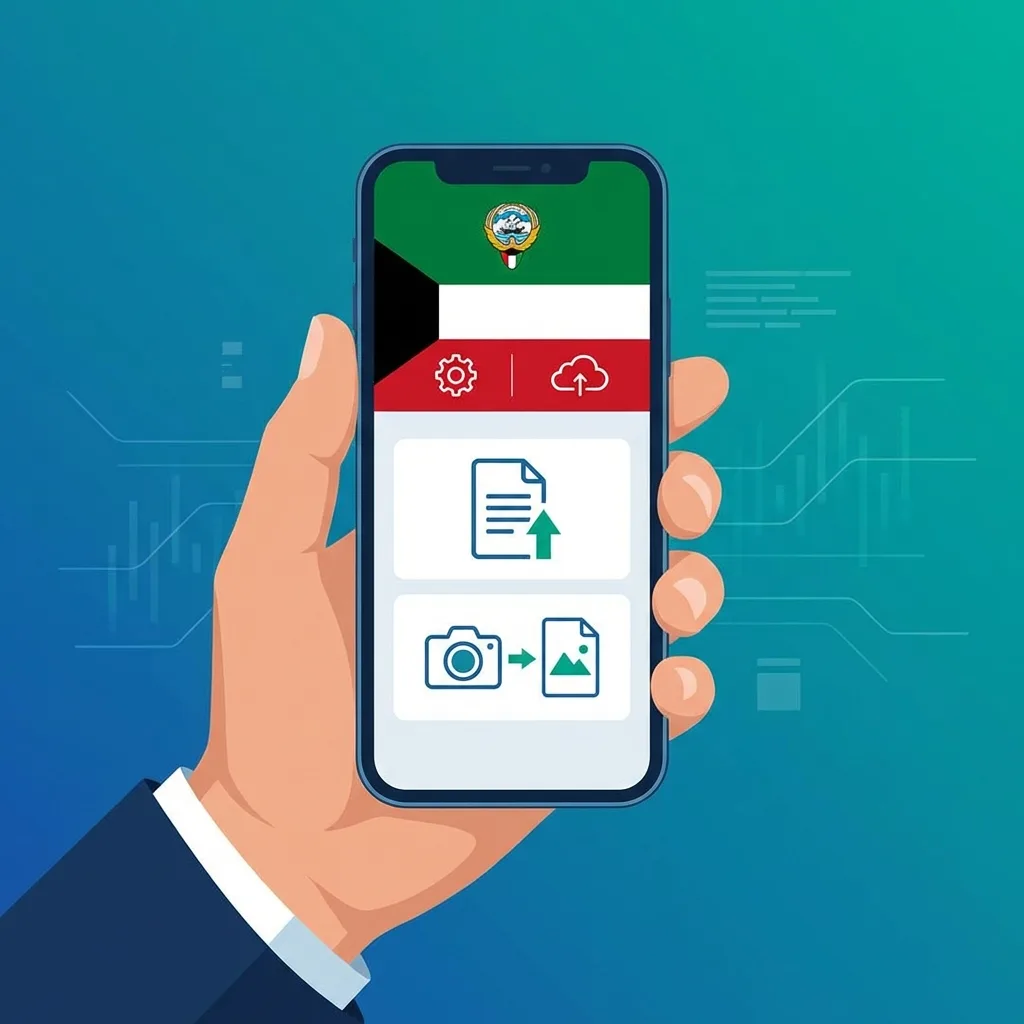
Fix: Sahel App Kuwait Photo Upload Error (HEIC to JPG)
Trying to update your info in the Sahel app or renew your Civil ID, but the photo upload keeps failing? It's likely because of your iPhone's HEIC format. Here is the fast, free fix for Kuwait.
Fix: UAE Pass & ICP Photo Upload Error - HEIC to JPG
Trying to upload your Emirates ID photo or documents to the UAE Pass or ICP portal and seeing 'Unsupported format'? The issue is Apple's HEIC format. Here is the safe, instant fix for UAE residents.

Fixing Image Upload Errors in Madrasati Platform (Saudi Arabia)
Are you struggling to upload your homework, activities, or profile photo to the Madrasati platform? The issue is often the HEIC format used by modern iPhones. Here is the fast, safe fix.
Fix: Noor System 'Unsupported Format' Error - HEIC to JPG
Is the Noor System rejecting photos you took with your iPhone? The issue isn't the photo, it's the 'format'. Here is the safe, instant fix.
Fix: Digital Egypt Portal Photo Upload Error — HEIC to JPG
The Digital Egypt portal (Misr Digital) is the essential platform for government services in Egypt. However, many iPhone users encounter 'Unsupported File Type' errors. The reason is the HEIC format used by Apple.
Fix: Sanad App Jordan Photo Upload Error - HEIC to JPG
Trying to access your digital ID or upload documents to the Sanad app in Jordan and seeing a photo format error? The issue is usually your iPhone's HEIC format. Here is the fast, free fix for Jordan.
Fix: Metrash2 Qatar Photo Upload Error - HEIC to JPG
Trying to upload your ID or residency documents to the Metrash2 app in Qatar and getting a format error? The issue is usually your iPhone's HEIC format. Here is the fast, free fix for Qatar residents.
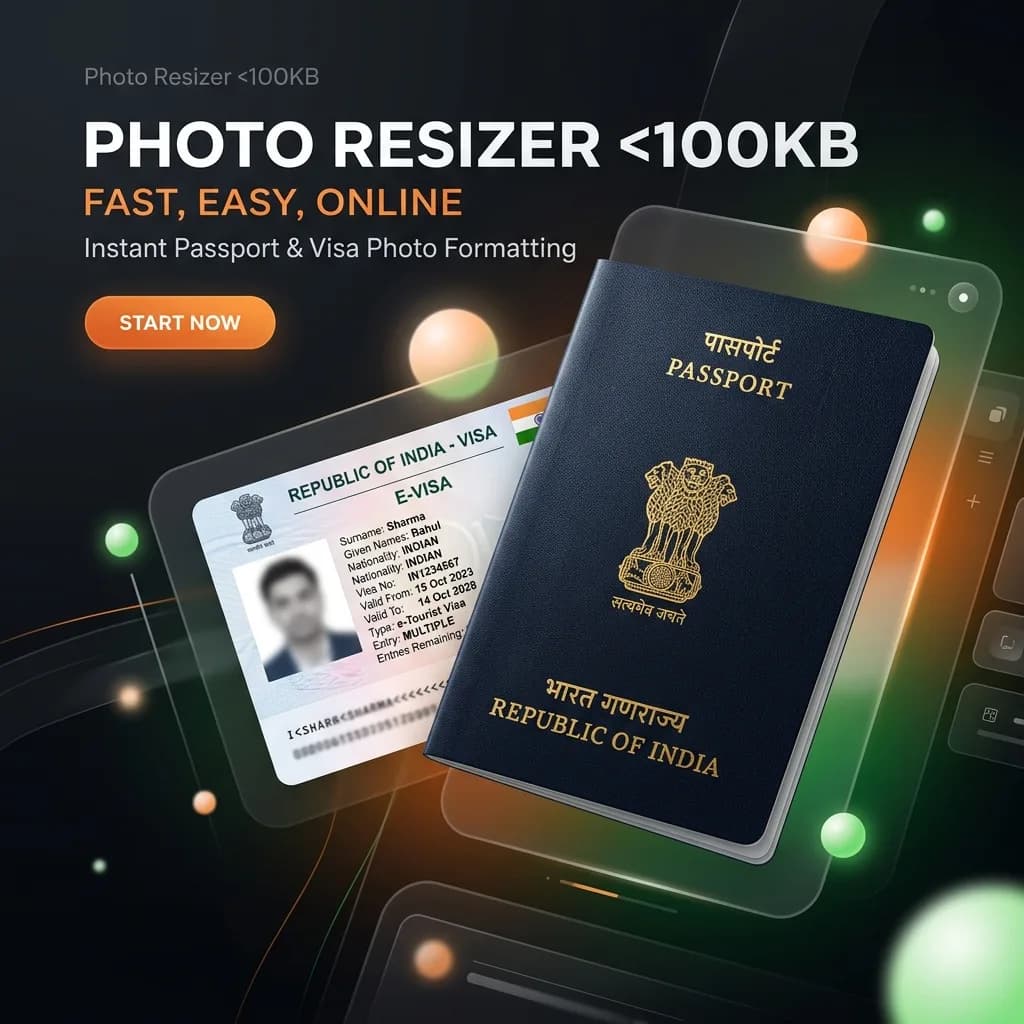
Fix: HEIC Upload Error on Indian Government Portals (Passport Seva, OCI, Visa)
Are you trying to apply for an Indian Passport, OCI card, or an e-Visa, but your iPhone photos keep getting rejected? Indian government portals like Passport Seva and OCI have very strict requirements for format (JPG), dimensions, and file size. Here is the fast, secure fix.
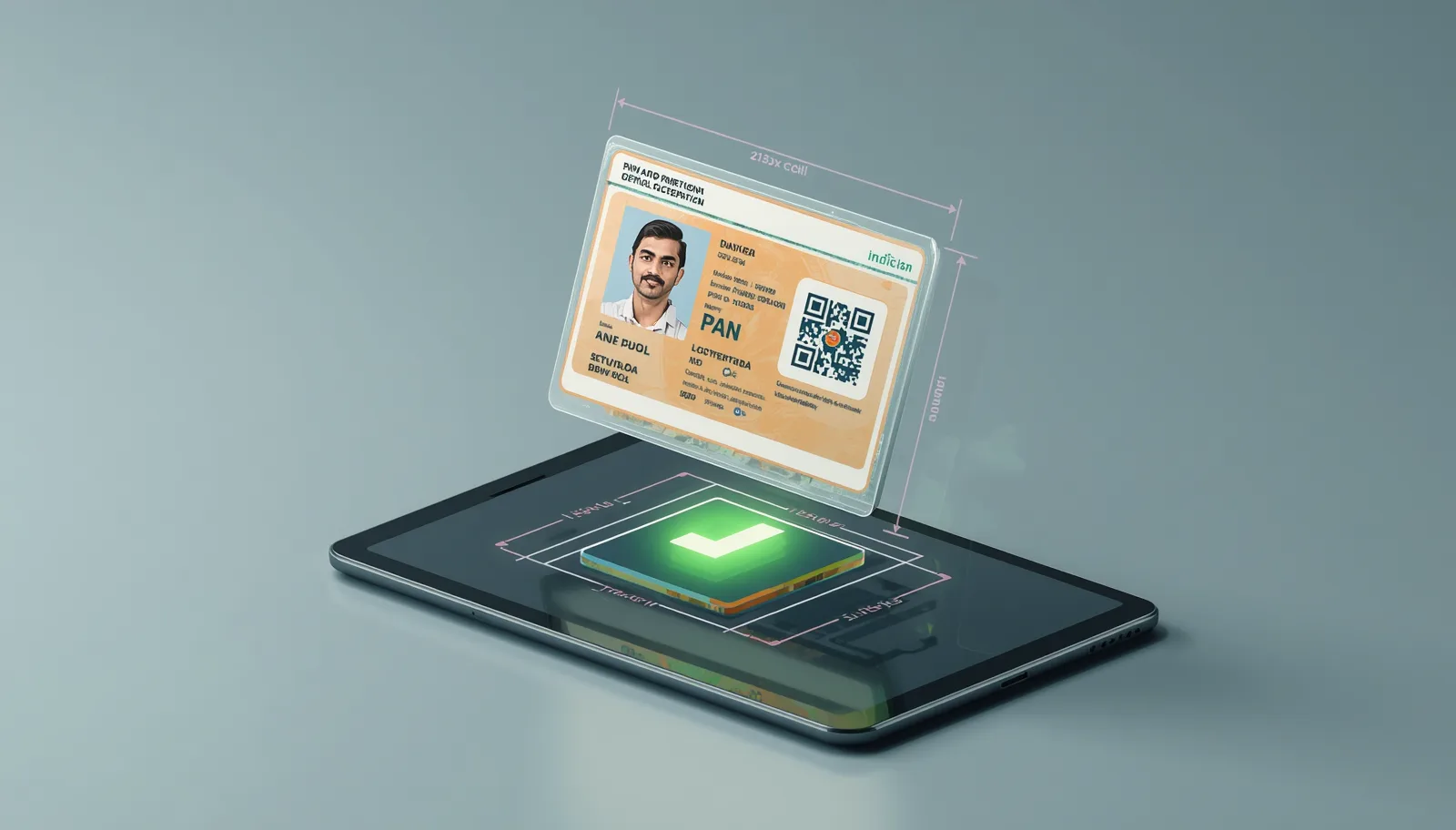
PAN Card Photo Resizer 213x213 Pixels — NSDL & UTIITSL Fix
The PAN card photo resizer 213x213 pixels online requirement is one of the hardest to meet. If you are applying via NSDL or UTIITSL, you also need a PAN card signature resize to 400x200 or similar specific dimensions.
Why HEIC Images Won't Open on Windows 10/11? (The Zero-Upload Fix)
Since iOS 11 (2017), Apple switched to HEIC as the default format. While it saves space, it creates a headache for Windows users. See our batch conversion guide.
Best Free HEIC to JPG Converters 2026 — Top 5 Reviewed
Finding the right HEIC converter can save you time and frustration. We've tested dozens of tools and narrowed it down to the top 5 free HEIC to JPG converters. Whether you need browser-based conversion, batch processing, or desktop software, this guide will help you choose.
Frequently Asked Questions
Everything you need to know about image conversion
Ready to convert your photos?
Start now and enjoy a safe, fast, and completely free conversion.