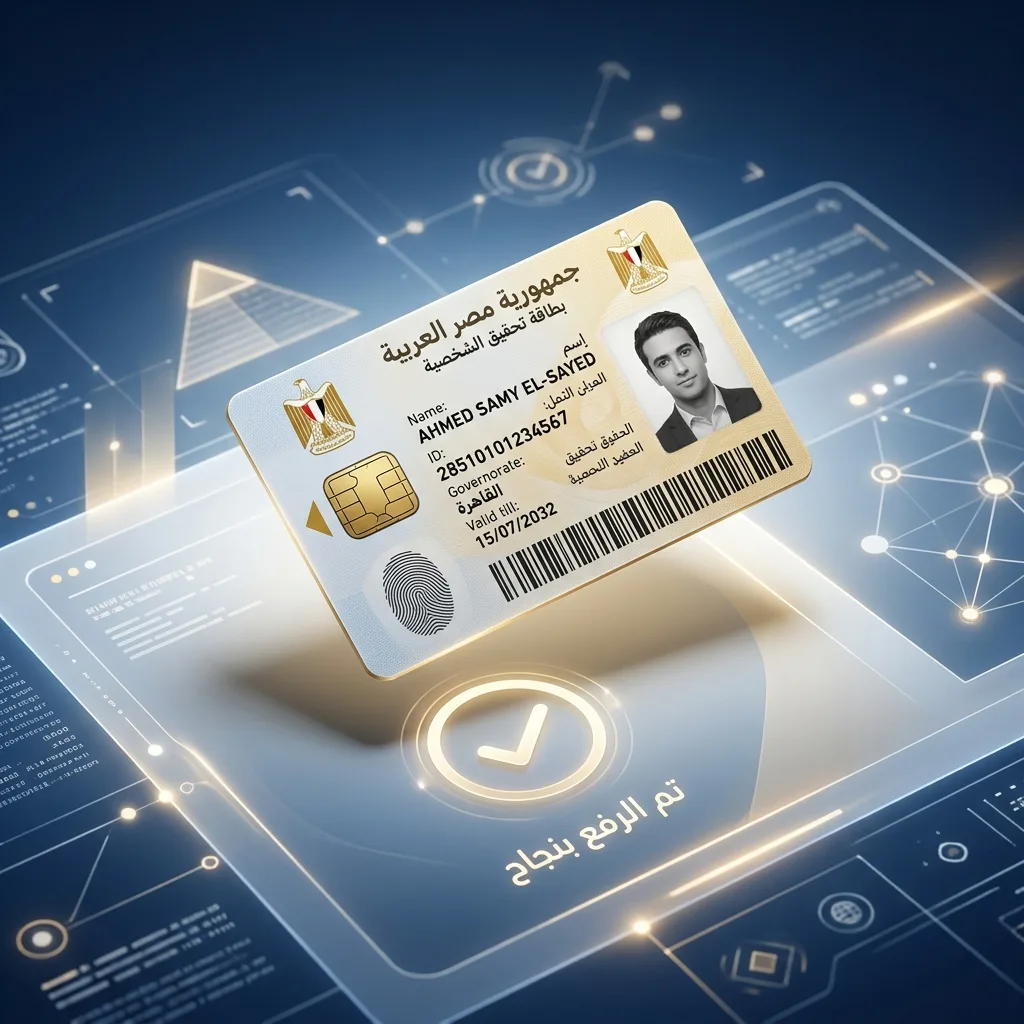
How to Fix Photo Upload Errors on the Digital Egypt Portal
The Digital Egypt portal (Misr Digital) is the essential platform for government services in Egypt. However, many iPhone users encounter 'Unsupported File Type' errors. The reason is the HEIC format used by Apple.
For more government portal upload solutions: Fix Absher Upload Error.
Using UAE Pass? Read our Fix UAE Pass Upload Error guide.
Need help with Saudi government portals? Check our Fix Tawakkalna Upload Error article.
The portal requires standard JPEG/JPG images, often with a file size limit of 200KB. iPhones save photos as HEIC, which causes compatibility issues on Egyptian government systems.
🚀 Quick Fix: Convert for Digital Egypt Now
Use our free converter to turn your HEIC photo into a JPG and compress it to under 200KB instantly.
🛡️ 100% Private for Egyptian Citizens
Your personal ID and document photos are sensitive. Our tool processes everything locally in your browser — no data is uploaded to our servers.
- ✅ Local conversion on your device
- ✅ Guaranteed file size < 200KB
- ✅ Free & No Account Required
❓ Digital Egypt FAQ
What is the max photo size for Digital Egypt?
Photos should ideally be under 200KB and in JPG format for successful upload.
Is it safe for my National ID photo?
Yes, because the conversion happens client-side, your ID photos never leave your device.
You Might Also Like
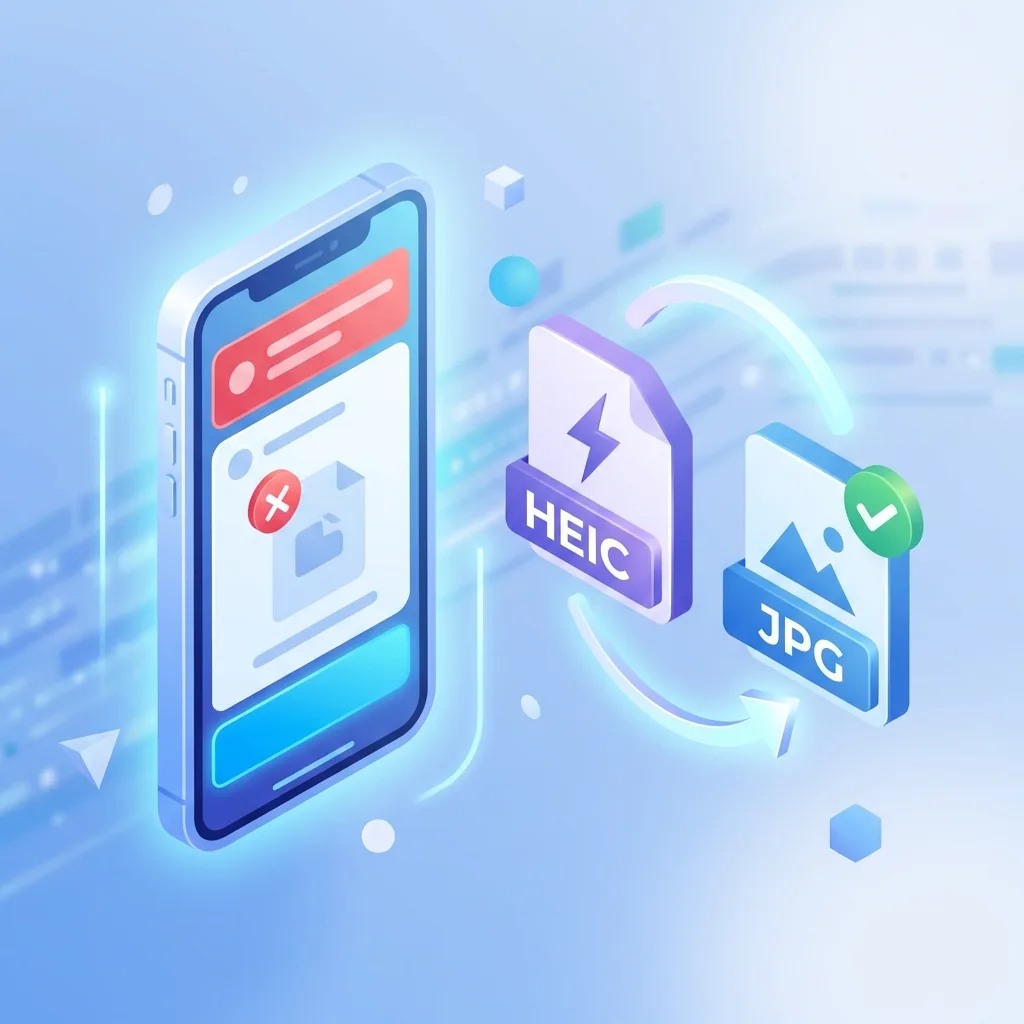
Fix: Absher Upload Error - 'Unsupported File Format' (iPhone Photos)
If you're trying to upload your personal photo or documents to the Absher platform (Saudi Arabia's government services portal) and seeing 'Unsupported file format' or 'Please upload JPG or PNG', you're not alone. The issue isn't Absher or your phone — it's the HEIC format iPhones use by default since iOS 11.
Fix: UAE Pass & ICP Photo Upload Error - HEIC to JPG
Trying to upload your Emirates ID photo or documents to the UAE Pass or ICP portal and seeing 'Unsupported format'? The issue is Apple's HEIC format. Here is the safe, instant fix for UAE residents.

Fix: Sahel App Kuwait Photo Upload Error (HEIC to JPG)
Trying to update your info in the Sahel app or renew your Civil ID, but the photo upload keeps failing? It's likely because of your iPhone's HEIC format. Here is the fast, free fix for Kuwait.