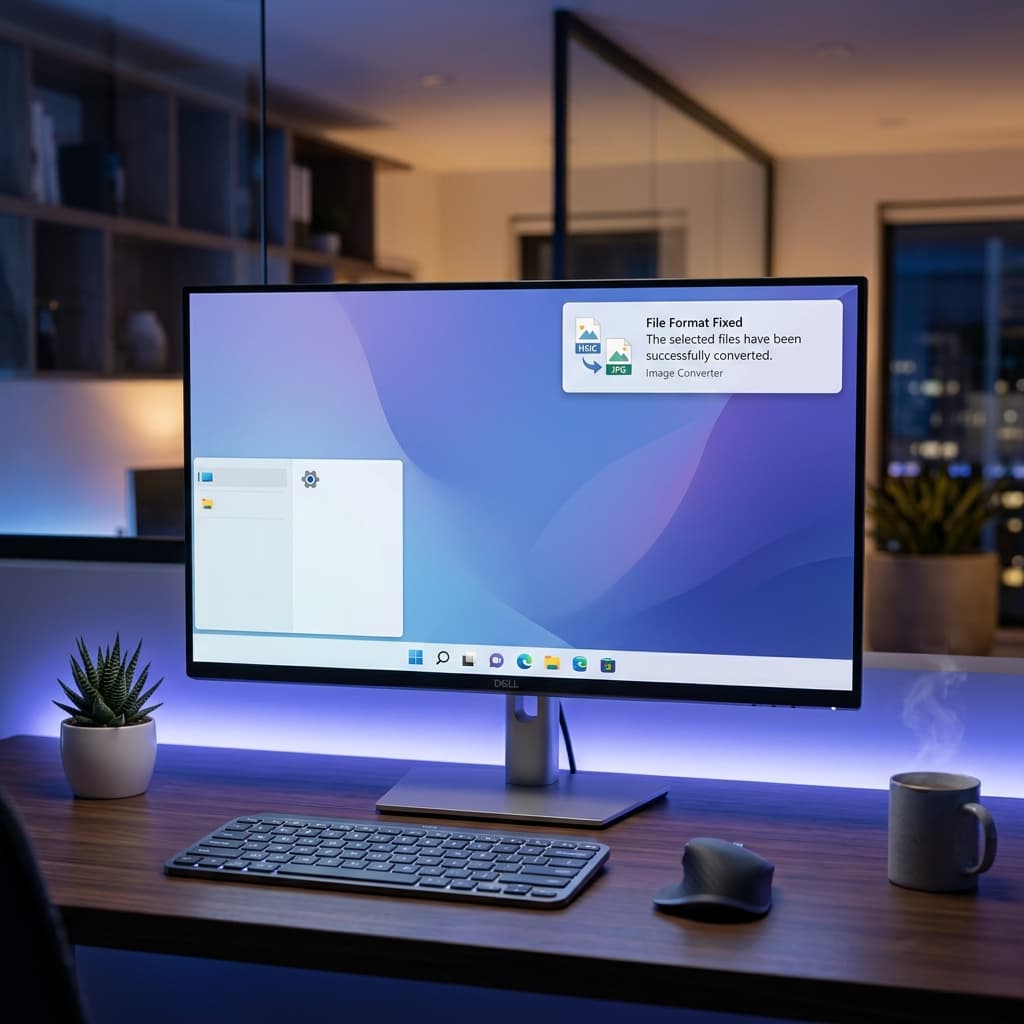
🖼️ The Problem: Apple's Privacy Format vs Windows Compatibility
Windows 10, 11, and 12 do not natively support HEIC without Microsoft's official codec extension, which:
- ❌ ❌ Costs $0.99 in the Microsoft Store.
- ❌ ❌ Requires downloading a 7MB extension.
- ❌ ❌ Doesn't work on legacy systems (Windows 7/8).
- ❌ ❌ Adds unnecessary bloatware.
⚠️ Traditional Solutions — And Why They're Not Ideal
Microsoft Extension ($0.99)
Why pay for something that should be free? It doesn't always work with bulk photos.
Online Converters
Privacy risk! Your personal photos are sent to unknown servers.
Desktop Software
Requires 50-100MB, often contains watermarks or background processes.
✅ The Smart Solution: Client-Side Conversion (100% Private)
Our tool uses revolutionary technology to convert HEIC to JPG entirely in your browser. Your photos never leave your device!
Start Converting Now for Free📊 Comparison: Why Our Tool Beats the Competition
| Feature | Normal Converters | Our Tool |
|---|---|---|
| Privacy | ❌ Uploads to server | ✅ 100% In-browser |
| Cost | 💰 Paid/Ads | ✅ Free Forever |
| Speed | ⏳ Depends on Internet | ⚡ Instant |
| Works Offline | ❌ No | ✅ Yes |
❓ Frequently Asked Questions
1. Is this tool safe for sensitive photos?
Absolutely! Unlike online converters, our tool processes everything locally. Files never touch our servers. You can even check this by turning off Wi-Fi after loading!
2. Why does Windows charge $0.99 for HEIC support?
Microsoft partners with third-party developers for the codec. Our tool bypasses this using open-source web technology, saving you money.
Related Resources
Learn how to open iPhone photos on Windows, or read about why iPhone uses HEIC. For quick conversion, use our iPhone photo to JPG converter.
You Might Also Like
Convert iPhone Photos to JPG — Free & Easy
Struggling to share iPhone photos? HEIC is great for storage but bad for compatibility. Here’s how to convert them to JPG in seconds.
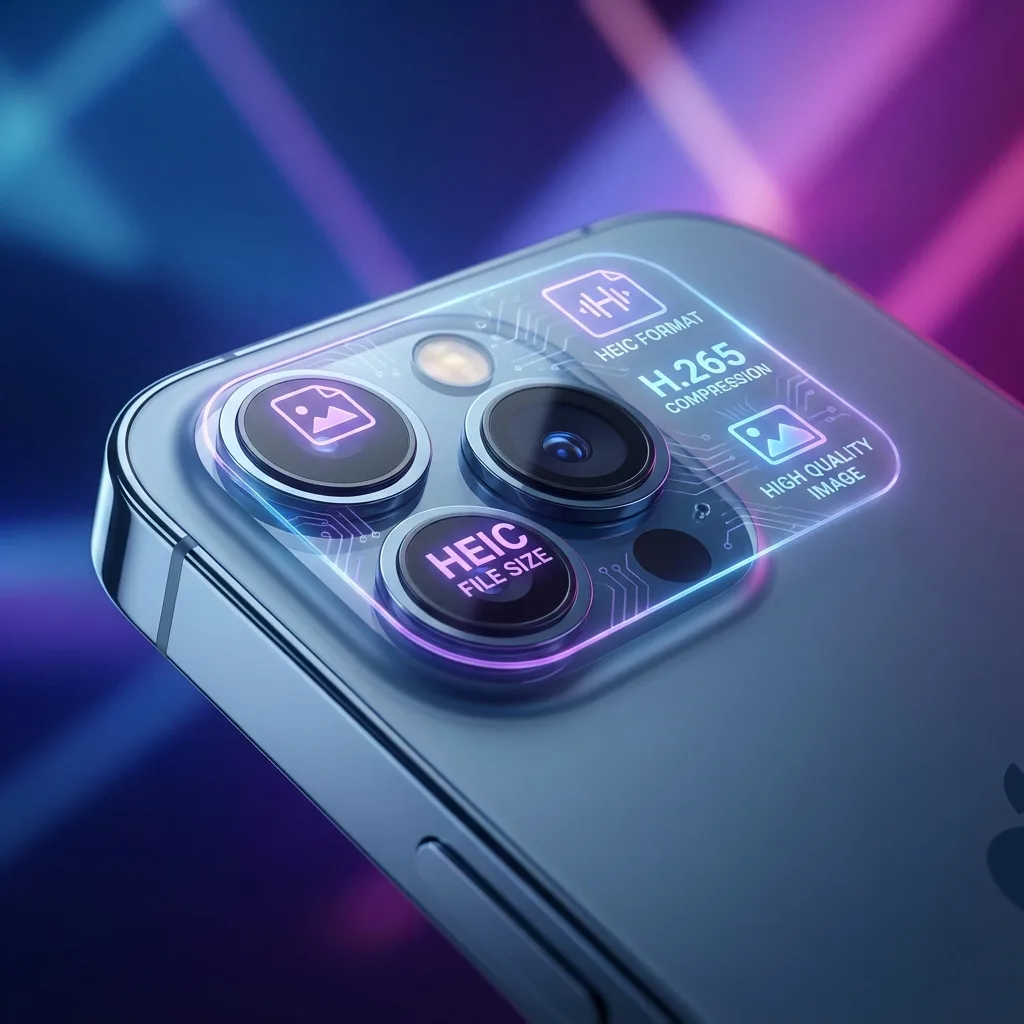
Why iPhone Uses HEIC — HEIC to JPG Guide
Why does Apple use HEIC? It's not just to make your life harder—it's actually advanced technology. Here is everything you need to know.