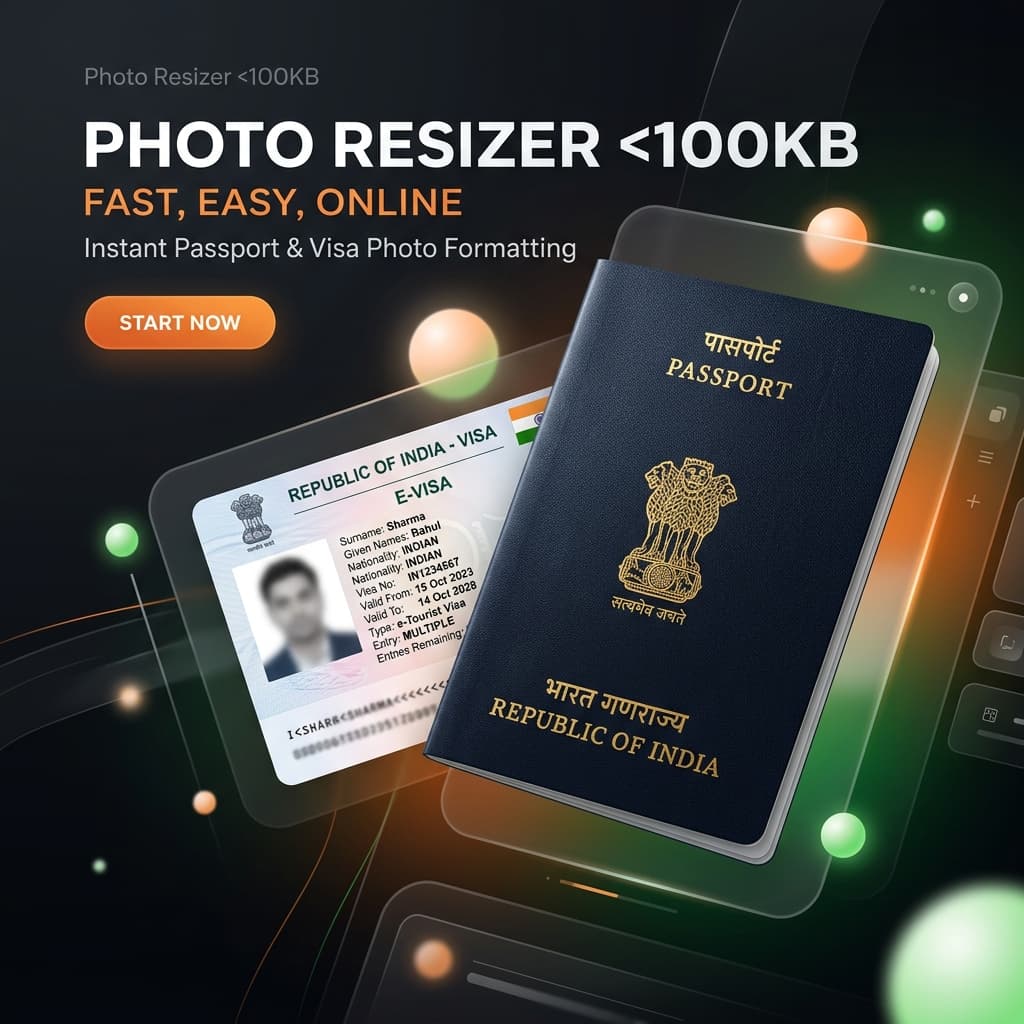
🇮🇳 Why Indian Portals Reject Your iPhone Photos
Portals like Passport Seva, OCI (Overseas Citizenship of India), and the Indian e-Visa system were designed for standard JPEG files. They often have very low file size limits (usually under 240KB or even 100KB). iPhones save photos as HEIC, which these systems cannot process, resulting in the 'Invalid File' error.
- 🇮🇳 Passport Seva Portal
- 🇮🇳 OCI System (VFS Global)
- 🇮🇳 Indian e-Visa
- 🇮🇳 Aadhaar & PAN Card Portal
🔐 Security for Official Documents
Passport photos contain sensitive biometric data. We never upload your photos.
- ✅ Local processing in-browser
- ✅ GDPR and Privacy Compliant
- ✅ No image storage logs
🚀 The Solution: Official Document Mode
We have updated our converter specifically for official documents. When you select an Indian Passport or Visa preset, our tool uses a smart algorithm to ensure your photo is exactly the right size and under the 240KB limit.
📋 Official Indian Photo Requirements
| Service | Dimensions | Max File Size |
|---|---|---|
| Indian Passport | 35 x 45 mm | 100 KB |
| OCI / Visa | 2 x 2 inch (51x51mm) | 240 KB |
| OCI Signature | 3:1 Ratio | 30 KB |
❓ India Portal FAQ
1. What is the photo size for Indian Passport online application?
The standard size is 35mm x 45mm. The file must be in JPG format and typically between 10KB and 100KB. Our converter handles this automatically.
2. Why is my OCI signature upload failing?
Signature uploads on the OCI portal have even stricter size limits (often under 30KB). Convert your HEIC signature photo to JPG here to solve it.
3. Does this work for Indian e-Visa?
Yes. Select the 'US Passport / Indian Visa (2x2 inch)' preset to get the perfect square JPG required for the e-Visa portal.
🎯 Get Your Perfect JPG Now
Save hours of frustration with Indian upload portals.
✨ Convert Your Photo FreeYou Might Also Like

Fix: iPhone Photo Upload Error on US Portals (ID.me, IRS, College Board)
Are you trying to verify your identity on ID.me, submit an AP exam to the College Board, or file documents with the IRS, but your iPhone photos keep getting rejected? You're facing a classic 'HEIC Compatibility' issue. Here is how to fix it in seconds.
Fix: HEIC Upload Error for USCIS, US Passport, and DV Lottery
Are you applying for a US Green Card, renewing your Passport online, or entering the DV Lottery? If you used your iPhone to take your photo, you likely have an HEIC file that the government portal will reject. Here is how to fix it and ensure your application isn't delayed.
How to Batch Convert HEIC to JPG (Fast & Free)
Converting one HEIC photo is easy, but what if you have hundreds of vacation photos? Converting them one by one would take hours. Fortunately, there are free ways to batch convert HEIC to JPG quickly.