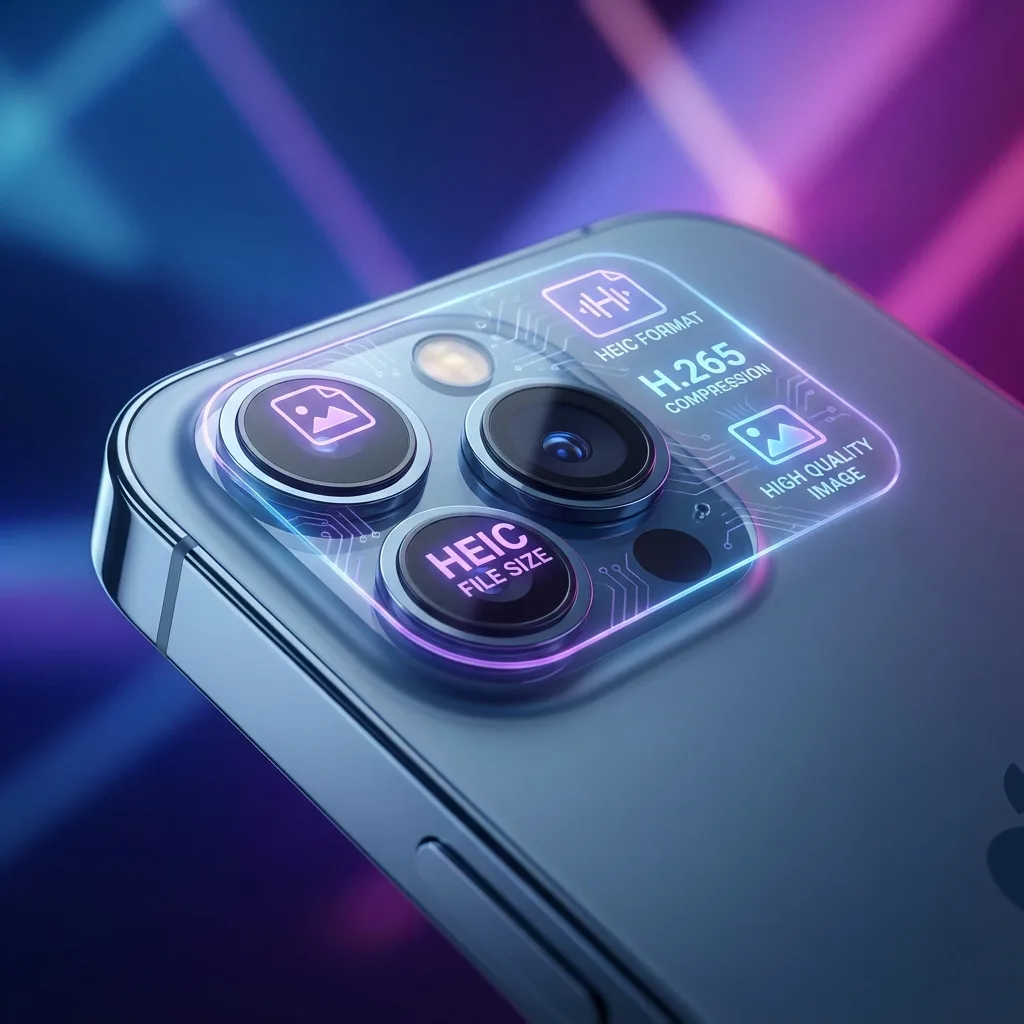
Apple adopted HEIC as it stores high-quality images at smaller file sizes compared to older formats like JPEG. HEIC uses modern compression (HEVC) to reduce storage footprint while keeping sharp detail.
How to convert HEIC to JPG
Use our browser-based HEIC to JPG tool — select a file, wait a few seconds, then download your JPG. No upload required.
Need to convert HEIC to JPG? Use our guide: Convert iPhone Photos to JPG.
HEIC vs JPEG comparison: HEIC vs JPEG: Which Should You Use?.
🚀 Convert Your First HEIC Image
Experience the fastest and most private converter on the web. No limits, no strings attached.
Start Conversion💡 3 Reasons Why HEIC is Superior
Space Saving
50% smaller than JPG with same quality
Higher Quality
Supports more colors and finer details
Smart Features
Supports transparency and Live Photos sequence
🛡️ Private & Secure
Your photos reflect your life. We keep them on your device where they belong.
- ✅ ✅ No cloud processing
- ✅ ✅ GDPR compliant
- ✅ ✅ 100% Free
❓ Quick Facts about HEIC
1. What does HEIC stand for?
High Efficiency Image Container—it's part of the HEIF standard.
2. Are HEIC files better quality than JPG?
Yes, HEIC supports 16-bit color depth (compared to JPG's 8-bit), allowing for much better color accuracy.
You Might Also Like
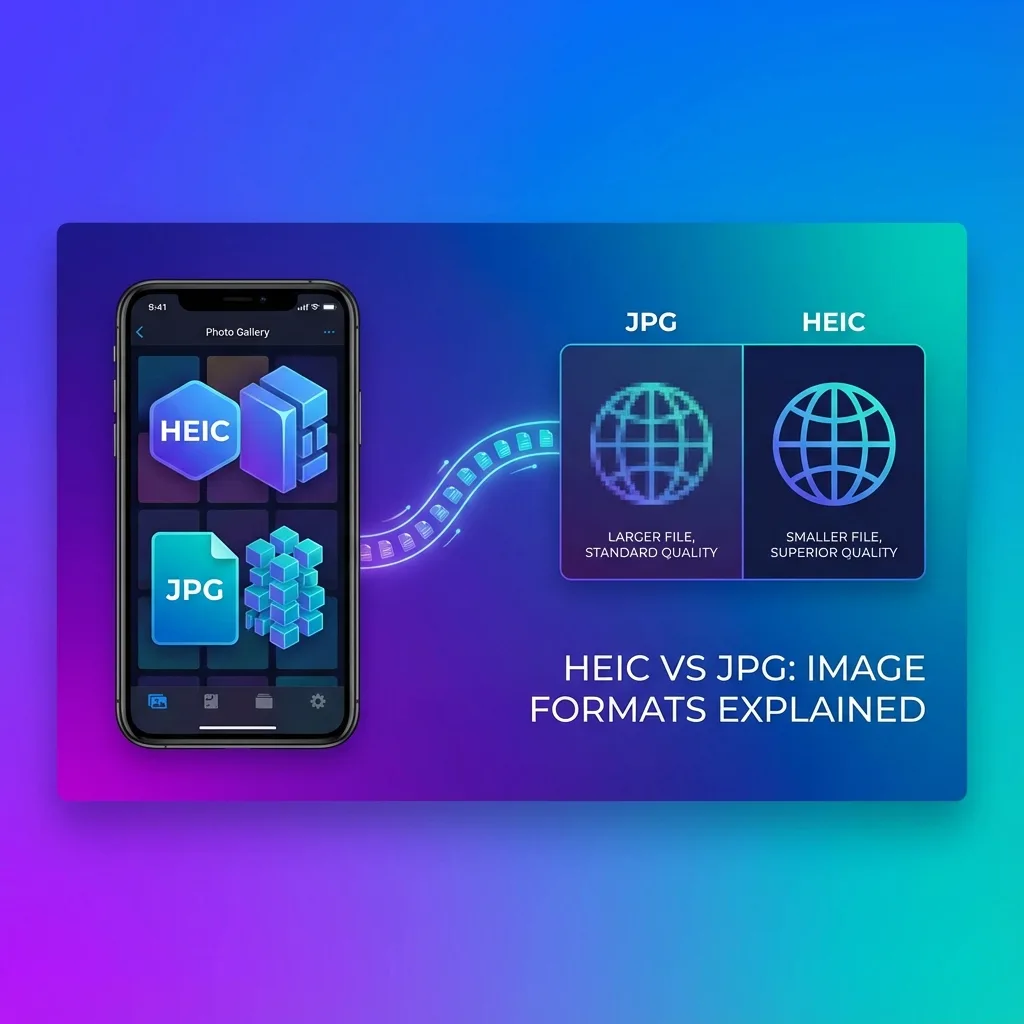
HEIC vs JPEG — Which Should You Use?
Choosing between HEIC and JPEG? Learn why your iPhone saves in HEIC and when you should convert to JPG for better compatibility.
Convert iPhone Photos to JPG — Free & Easy
Struggling to share iPhone photos? HEIC is great for storage but bad for compatibility. Here’s how to convert them to JPG in seconds.
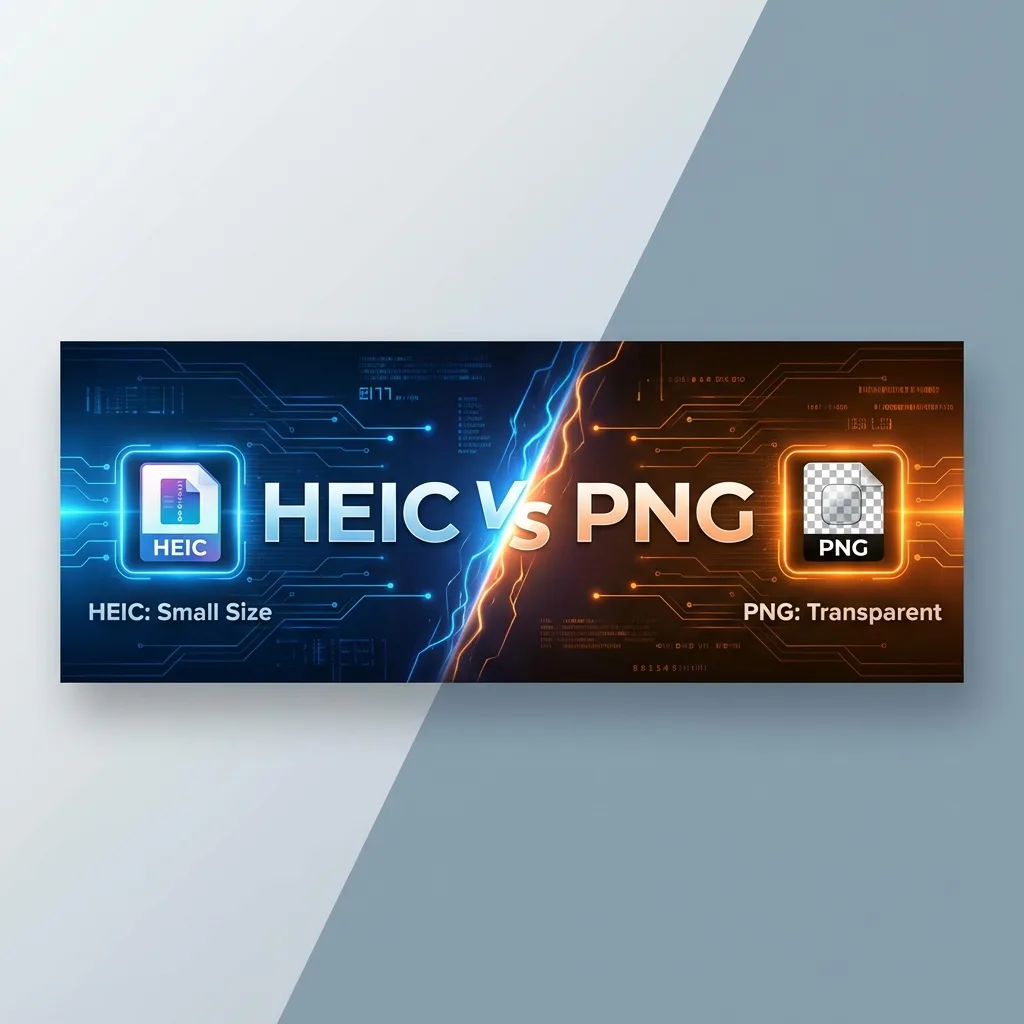
HEIC vs PNG: Which is Better for Quality and Transparency?
While HEIC competes with JPG for photography, it competes with PNG for quality and features. Both support transparency and high quality, but they have very different use cases. Which one should you choose?