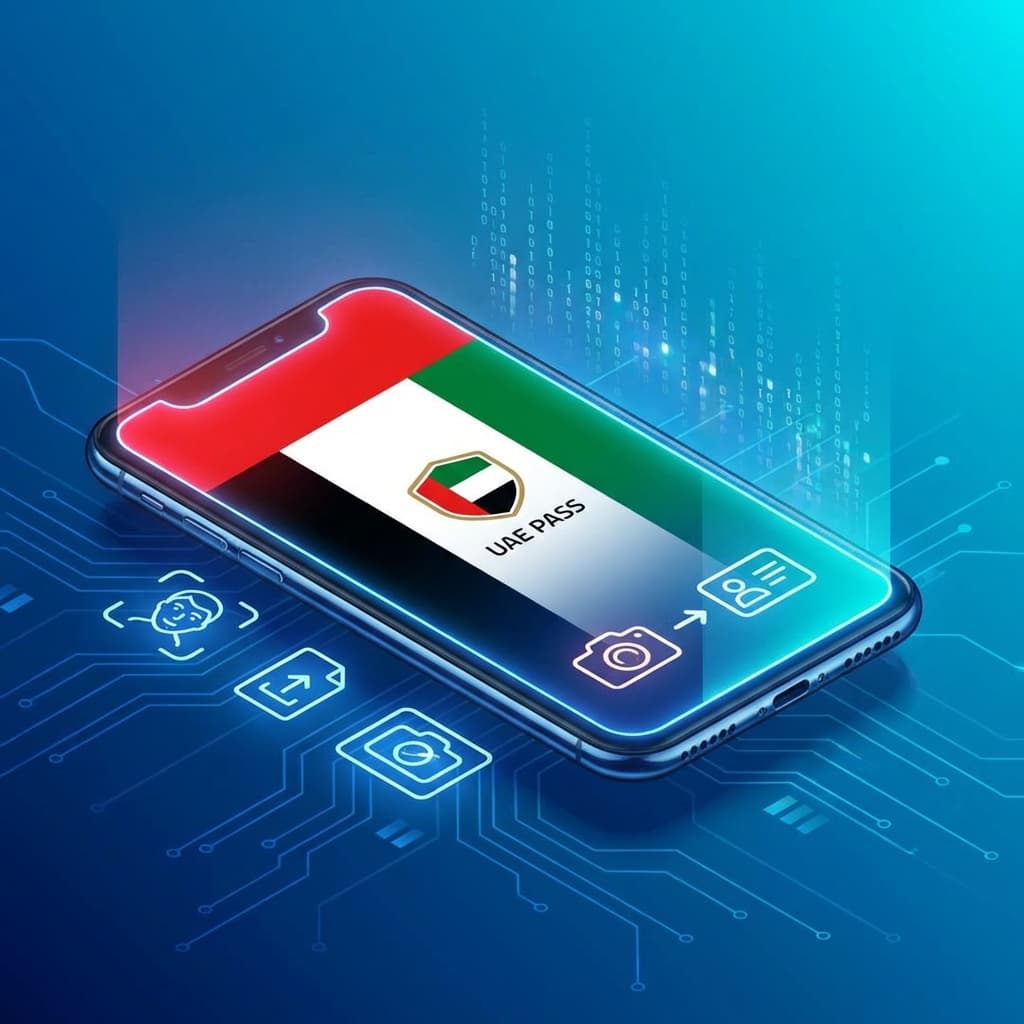
🇦🇪 Why UAE Portals Reject iPhone Photos
UAE government portals like UAE Pass, ICP (Federal Authority for Identity), and MOI (Ministry of Interior) require standard JPG formats. Modern iPhones save photos as HEIC, which causes upload failures.
For more government portal upload solutions: Fix Absher Upload Error.
🚀 Instant Fix: Convert for UAE Pass in Seconds
Convert your Emirates ID photos and residency documents right from your phone's browser with 100% privacy.
📊 Why our Converter is #1 in UAE?
| Criteria | Other Sites | Our Smart Converter |
|---|---|---|
| ID Privacy | ❌ Uploaded Abroad | ✅ Stays on Device |
| Compatibility | Limited | ⭐ Perfect for Smart Portals |
🛡️ Privacy for UAE Residents
Your ID and documents are sensitive. Our converter processes everything locally on your device — nothing is uploaded.
- ✅ ✅ No upload to servers
- ✅ ✅ Works on UAE mobile networks
- ✅ ✅ 100% Free & Private
You Might Also Like

Fix: Sahel App Kuwait Photo Upload Error (HEIC to JPG)
Trying to update your info in the Sahel app or renew your Civil ID, but the photo upload keeps failing? It's likely because of your iPhone's HEIC format. Here is the fast, free fix for Kuwait.

Fix: Absher Upload Error - 'Unsupported File Format' (iPhone Photos)
If you're trying to upload your personal photo or documents to the Absher platform (Saudi Arabia's government services portal) and seeing 'Unsupported file format' or 'Please upload JPG or PNG', you're not alone. The issue isn't Absher or your phone — it's the HEIC format iPhones use by default since iOS 11.
Fixing Image Upload Issues in Nafath (Saudi National Single Sign-On)
Is the Nafath app or the National Single Sign-On portal rejecting your photos or documents? The reason is often the HEIC format used by iPhones. Here is the secure solution.