
🖼️ Why Does Madrasati Reject Your Photos?
The Madrasati educational platform requires images in standard JPG or PNG formats for homework submissions. iPhones save photos in HEIC format by default, which causes the 'Unsupported format' error when uploading directly from your phone.
- ✅ Uploading Homework
- ✅ Submitting Activities
- ✅ Updating Profile Photo
- ✅ Messaging Teachers with Attachments
🚀 Instant Fix: Convert for Madrasati in Seconds
Convert your homework and documents directly in your browser with 100% privacy before uploading to Madrasati.
🛡️ Why Teachers Prefer This Converter?
Our tool stands out by not uploading images to any server, protecting student privacy 100%. It also produces high-quality images with an ideal size that doesn't slow down the Madrasati platform.
❓ Madrasati Platform FAQs
1. Will Madrasati accept photos after conversion?
Yes, once converted to JPG, your homework and photos will be accepted immediately by the platform.
2. Can I convert multiple homework pages at once?
Absolutely! Our tool supports batch conversion, so you can convert all your homework pages in one go.
You Might Also Like

Fix: Noor System 'Unsupported Format' Error - HEIC to JPG
Is the Noor System rejecting photos you took with your iPhone? The issue isn't the photo, it's the 'format'. Here is the safe, instant fix.
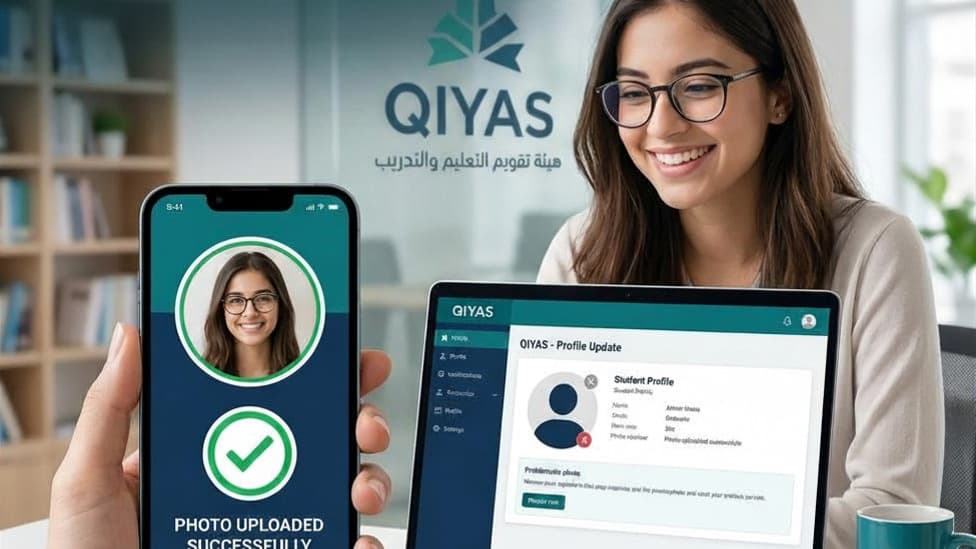
Fix: Qiyas Photo Upload Error - HEIC to JPG
Struggling to upload your personal photo to the Qiyas portal for exams? The issue is likely the HEIC format. Here is the fast, secure fix.
Fixing Image Upload Issues in Nafath (Saudi National Single Sign-On)
Is the Nafath app or the National Single Sign-On portal rejecting your photos or documents? The reason is often the HEIC format used by iPhones. Here is the secure solution.