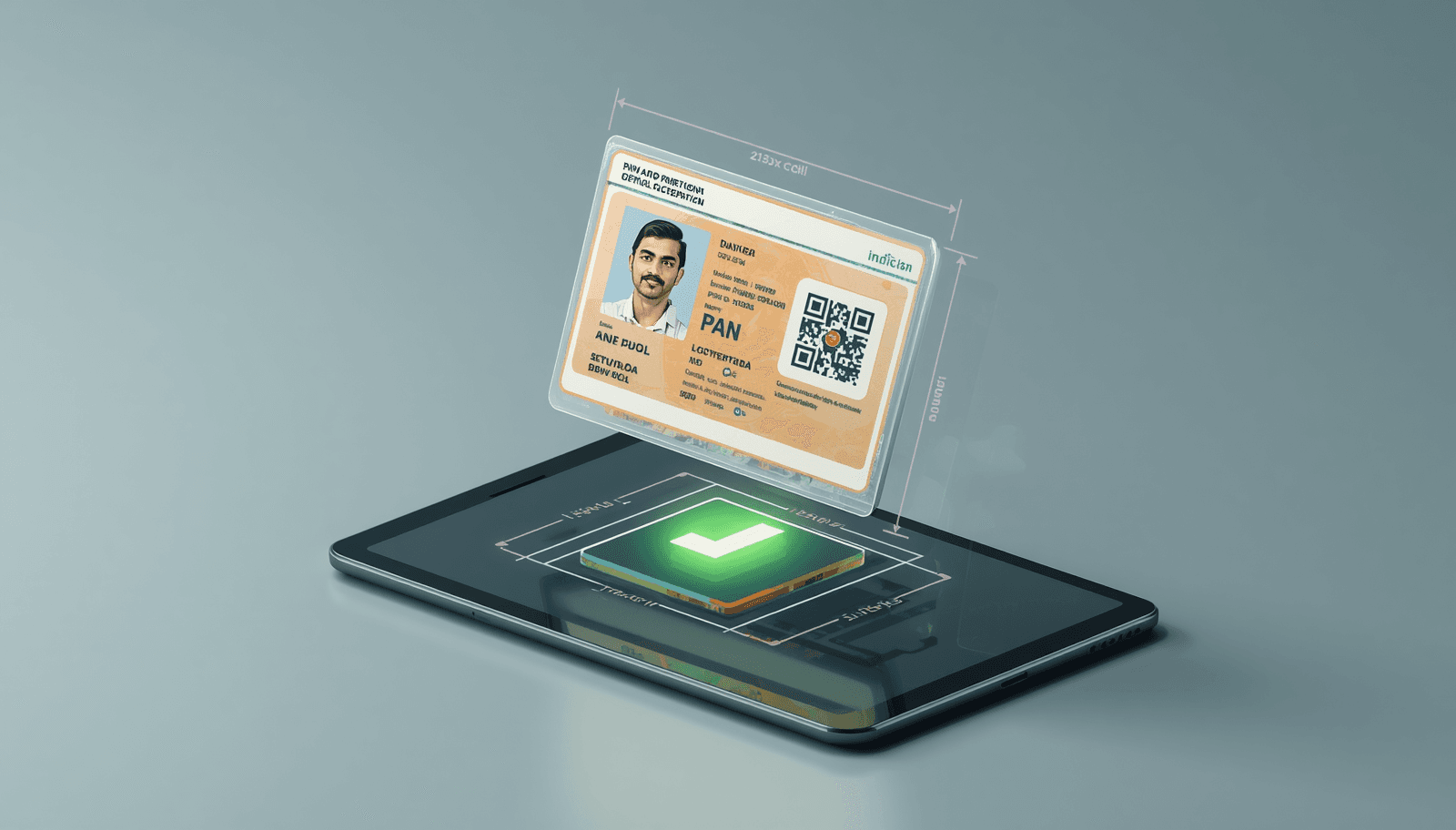
Mastering the 213x213 Pixel Requirement
The PAN Card (Permanent Account Number) application portals, NSDL and UTIITSL, have one of the most specific photo requirements in the world: exactly 213 x 213 pixels.
If your photo is 214x214 or 210x210, it will be rejected. This precision is difficult to achieve without professional editing software, but our tool makes it instant.
- 🚫 Dimensions: Must be exactly 213x213 pixels.
- 🚫 File Size: Must be less than 50 KB.
- 🚫 Resolution: 300 DPI preferred.
- 🚫 Format: JPEG/JPG only (HEIC not supported).
Convert HEIC to JPG for PAN Card
Most PAN Card applicants today take their photo using an iPhone. By default, these photos are in HEIC format. To fix this, simply upload your photo to our converter, and we will handle the rest.
NSDL & UTIITSL Signature Requirements
While the photo is 213x213px, the signature for a PAN card must be 2cm x 4.5cm and also under 50KB. Our "Official Document Mode" includes a specific setting for PAN Card signatures to ensure your application is never rejected due to image issues.
PAN Card Photo FAQ
How do I resize a photo to 213x213 on an iPhone?
The easiest way is to use our web-based tool. Upload your HEIC photo, select the "PAN Card" preset, and it will output a 213x213 JPG file directly to your gallery.
What is the signature file size for PAN card?
The signature file size must be less than 50KB. Our tool automatically compresses the image to stay below this limit while maintaining high legibility.
You Might Also Like

Fix: HEIC Upload Error on Indian Government Portals (Passport Seva, OCI, Visa)
Are you trying to apply for an Indian Passport, OCI card, or an e-Visa, but your iPhone photos keep getting rejected? Indian government portals like Passport Seva and OCI have very strict requirements for format (JPG), dimensions, and file size. Here is the fast, secure fix.
OCI Photo Resizer Online — 350x350 & 51x51mm Signature Fix
The OCI registration photo resizer requirements are strict: 350x350 pixels or 51x51mm (2x2 inch). Most applicants struggle with the OCI signature resize 3:1 ratio, but our tool automates the process.