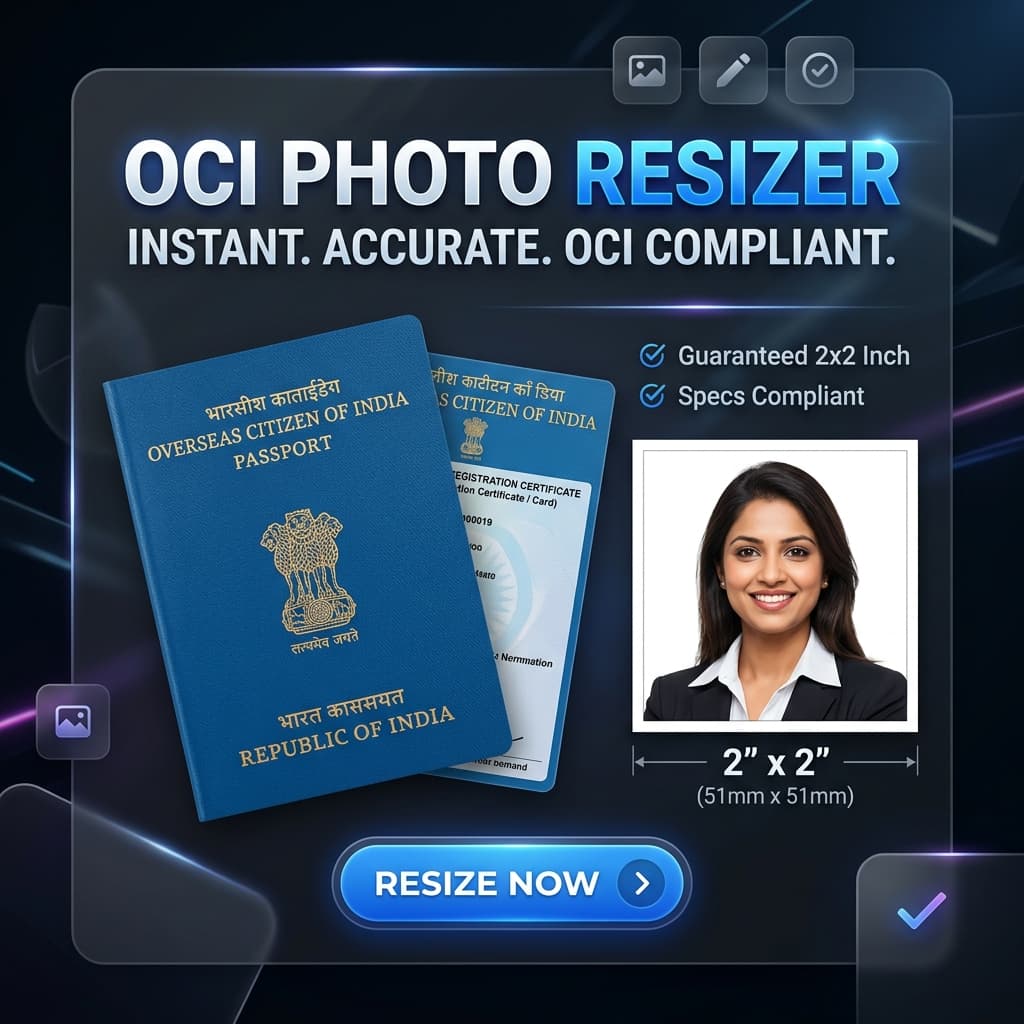
Targeting the "Black Hole" of OCI Upload Errors
If you are applying for an OCI (Overseas Citizen of India) card through VFS Global or the official Indian Government Portal, you know how frustrating the image upload process is. The portal often throws errors like "Invalid Dimensions" or "Unsupported File Format".
This is because modern iPhones take photos in HEIC format, while Indian portals only accept JPG/JPEG.
- ✅ Photo Size: 2x2 inches (51x51mm) - Square.
- ✅ Signature: Aspect ratio 3:1 (e.g., 600x200 pixels).
- ✅ Format: JPEG/JPG only (HEIC not allowed).
- ✅ File Size: Between 10 KB and 500 KB.
How to Resize OCI Photo and Signature
Our tool features a dedicated "Official Document Mode" that handles OCI specifications automatically. Here is how to use it:
Enable Mode
Select "Official Document Mode" in the converter.
Choose OCI
Select "OCI / India Visa (2x2 inch)" from the dropdown.
Auto-Convert
Upload your HEIC photo. We convert to JPG and resize instantly.
Fix Your OCI Upload Now
Get a guaranteed 51x51mm JPG file under 500KB in seconds.
Start OCI ConversionResolving the 3:1 Signature Ratio
One of the most common reasons for OCI application rejection is the signature ratio. The portal requires a 3:1 aspect ratio. Our converter allows you to crop and scale your signature to these exact proportions without losing clarity.
OCI Application FAQ
Why does the OCI portal say "Invalid File Size"?
The OCI portal is very strict. If your photo is too small (under 10KB) or too large (over 500KB), it will fail. Our tool uses binary search compression to find the perfect quality that stays within this window.
Can I take the OCI photo at home?
Yes! With a plain white background and good lighting, you can take a photo on your iPhone. Use our tool to convert it to the required 2x2 inch JPG format.
You Might Also Like

Fix: HEIC Upload Error on Indian Government Portals (Passport Seva, OCI, Visa)
Are you trying to apply for an Indian Passport, OCI card, or an e-Visa, but your iPhone photos keep getting rejected? Indian government portals like Passport Seva and OCI have very strict requirements for format (JPG), dimensions, and file size. Here is the fast, secure fix.
Fix: HEIC Upload Error for USCIS, US Passport, and DV Lottery
Are you applying for a US Green Card, renewing your Passport online, or entering the DV Lottery? If you used your iPhone to take your photo, you likely have an HEIC file that the government portal will reject. Here is how to fix it and ensure your application isn't delayed.