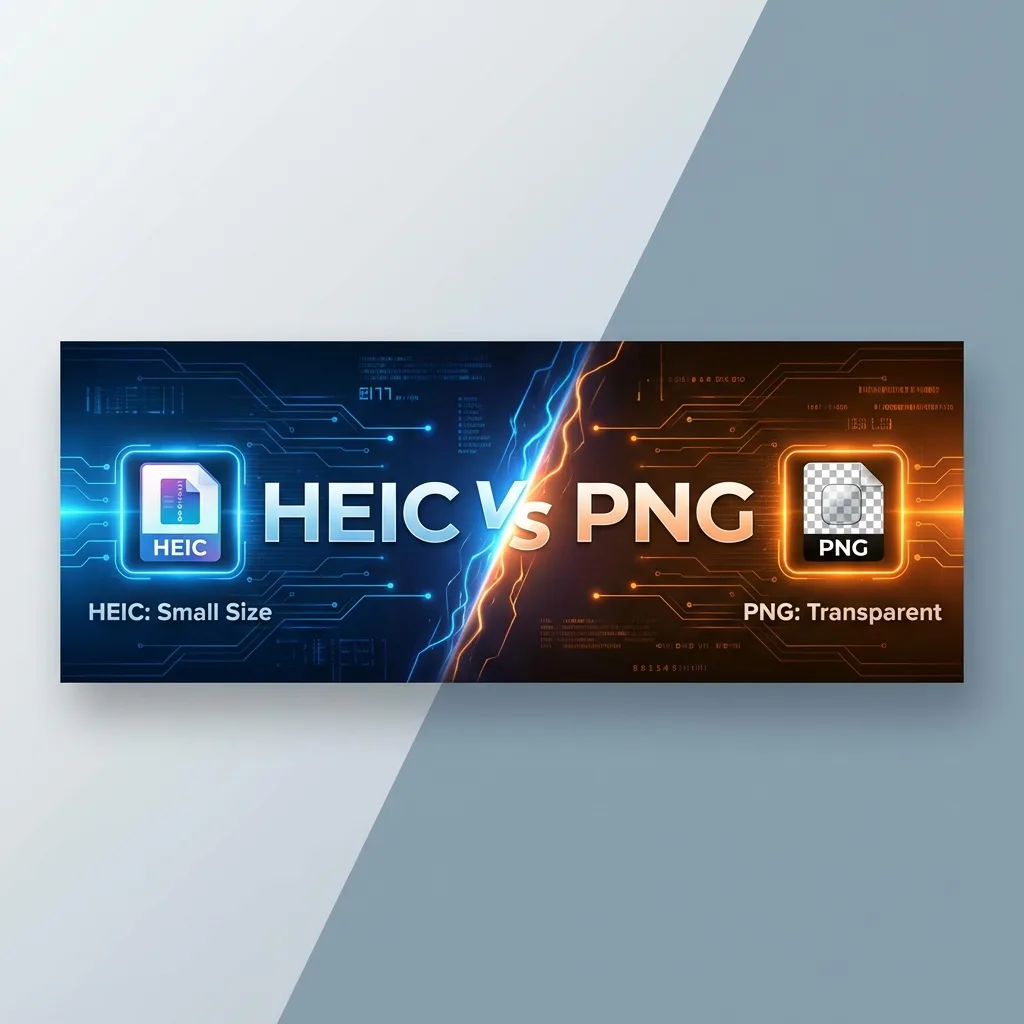
Image Quality & Compression
HEIC uses 'lossy' compression (like JPG) but is much smarter at it. It can reduce file size by 50% while keeping quality high. PNG uses 'lossless' compression, meaning it keeps every single pixel perfect, but file sizes are much larger.
Transparency Support
Both formats support transparent backgrounds (alpha channels). However, HEIC transparency is not widely supported on the web yet. PNG is the gold standard for transparent logos and graphics on websites.
Compatibility
PNG opens everywhere — browsers, editors, phones, old PCs. HEIC is strictly for modern Apple/Windows systems.
For another format comparison: HEIC vs JPEG: Which Should You Use?.
Why does iPhone use HEIC? Discover Why iPhone Changed Photo Format.
📊 Full Technical Comparison
| Feature | PNG | HEIC |
|---|---|---|
| File Size | ❌ Very Large | ✅ Ultra Small (Half Size) |
| Transparency | ✅ Fully Supported | ✅ Supported |
| Compatibility | ✅ Universal | ⚠️ Limited |
| Best Use | Logos, Web Graphics | Photography |
When to Use Which?
Use HEIC for: iPhone photos, archiving, saving space. Use PNG for: Logos, screenshots, web graphics, images with text.
Verdict
If you're a designer needing transparency for the web, stick with PNG. If you're a photographer wanting to save space on your drive, stick with HEIC.
You Might Also Like
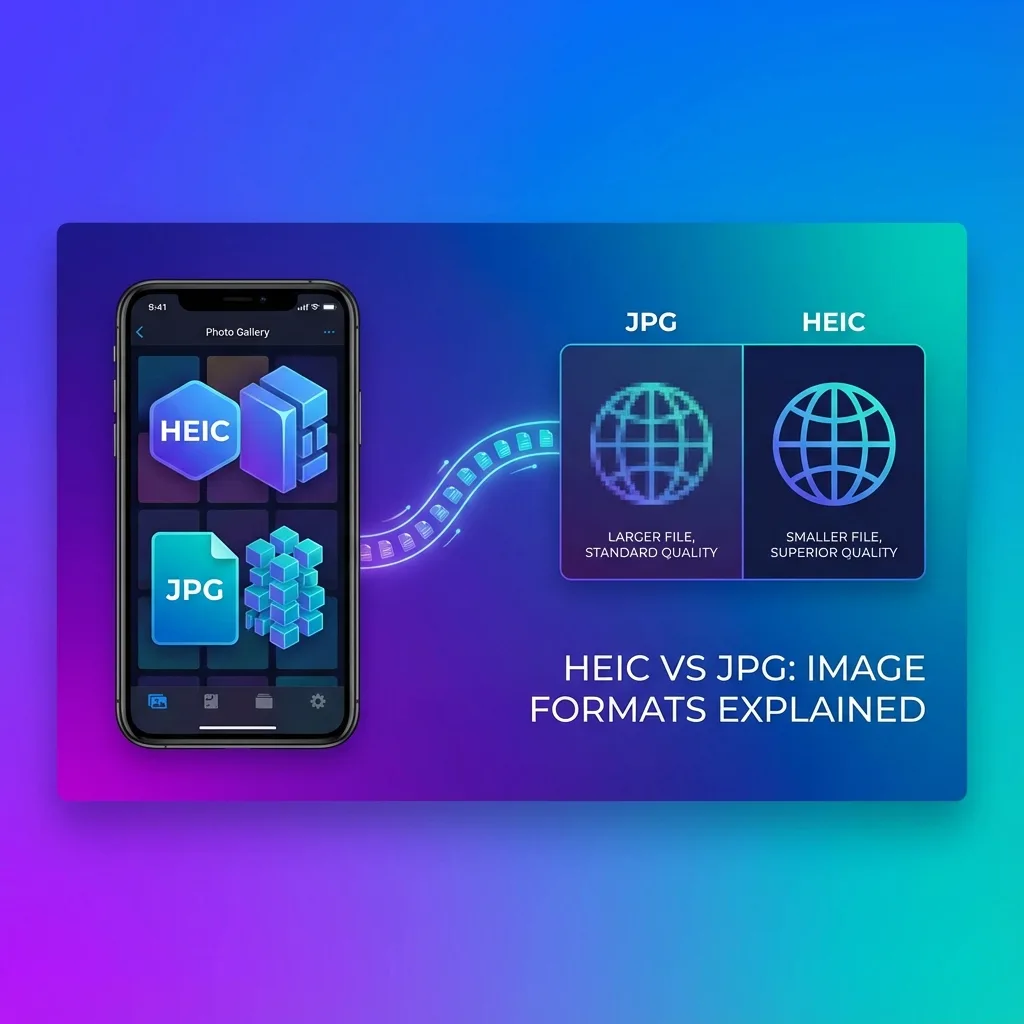
HEIC vs JPEG — Which Should You Use?
Choosing between HEIC and JPEG? Learn why your iPhone saves in HEIC and when you should convert to JPG for better compatibility.
Best Free HEIC to JPG Converters 2026 — Top 5 Reviewed
Finding the right HEIC converter can save you time and frustration. We've tested dozens of tools and narrowed it down to the top 5 free HEIC to JPG converters. Whether you need browser-based conversion, batch processing, or desktop software, this guide will help you choose.
Why iPhone Uses HEIC — HEIC to JPG Guide
Why does Apple use HEIC? It's not just to make your life harder—it's actually advanced technology. Here is everything you need to know.