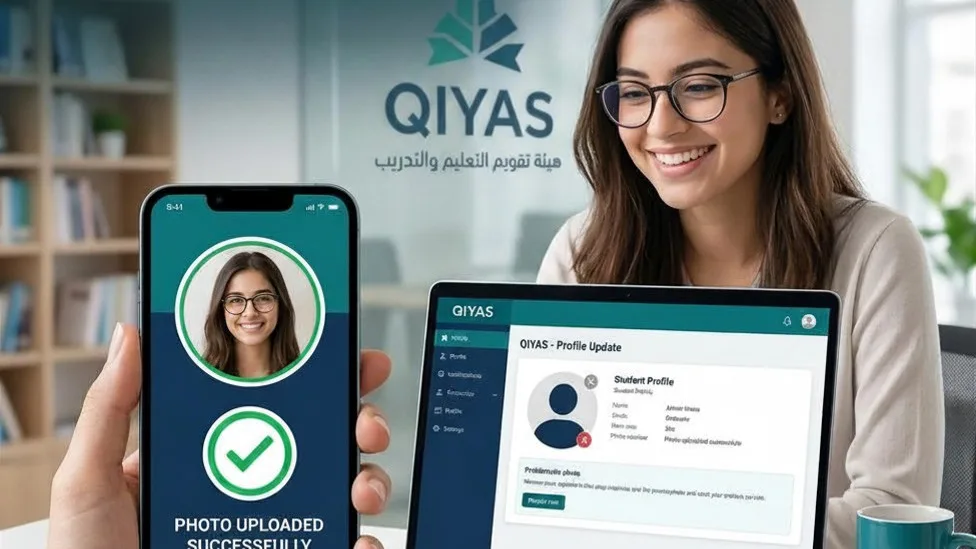
🧐 Why Does Qiyas Reject Your Photo?
The Qiyas National Center requires photos in JPG format. iPhones save photos as HEIC, which isn't compatible with older Qiyas systems.
For more on Saudi government portal photo upload issues, see our comprehensive guide: Fix Absher Upload Error.
Using the Noor education system? Read our Fix Noor System Upload guide.
Having issues with Madrasati platform? Check our Fix Madrasati Upload Error article.
🚀 Instant Fix: Convert Your Photo in Seconds
No need for a studio. Convert your photo right from your phone with total privacy.
✅ Steps for Qiyas Platform
Select Photo
Select the ID or document photo in HEIC
JPG Conversion
Convert instantly to high-quality JPG
Upload File
Upload the JPG to Qiyas without errors
📊 Why Students Choose Our Converter?
| Criteria | Random Converters | Our Private Converter |
|---|---|---|
| ID Processing | ❌ Unsafe (Cloud) | ✅ Very Safe (Local) |
| Fees | Maybe Paid | 💰 Free Forever |
| Speed | Sometimes Slow | ⚡ Instant |
🛡️ Your Data Security & Privacy
Exam photos are sensitive. Our converter works locally on your device:
- ✅ ✅ No photos are uploaded to any server.
- ✅ ✅ Conversion happens entirely in your browser.
- ✅ ✅ 100% private and secure.
❓ Frequent Questions from Qiyas Students
1. Does conversion affect file size?
No, our converter ensures high quality with a small file size that meets Qiyas requirements.
2. Can I use it for ID photos?
Yes, since conversion is local, it's the safest way for IDs and official documents.
💡 Need to convert more photos? Use our iPhone to JPG converter to save time.
You Might Also Like
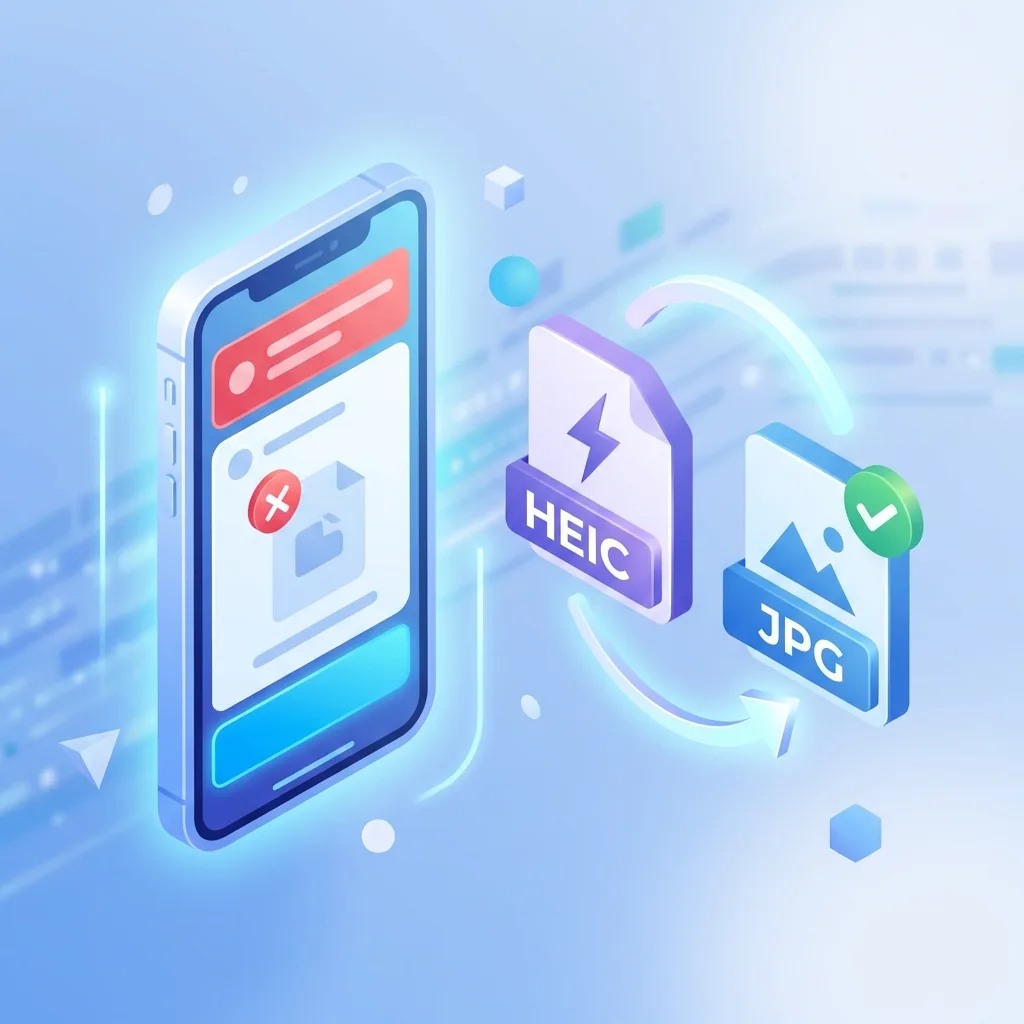
Fix: Noor System 'Unsupported Format' Error - HEIC to JPG
Is the Noor System rejecting photos you took with your iPhone? The issue isn't the photo, it's the 'format'. Here is the safe, instant fix.
Fixing Image Upload Errors in Madrasati Platform (Saudi Arabia)
Are you struggling to upload your homework, activities, or profile photo to the Madrasati platform? The issue is often the HEIC format used by modern iPhones. Here is the fast, safe fix.
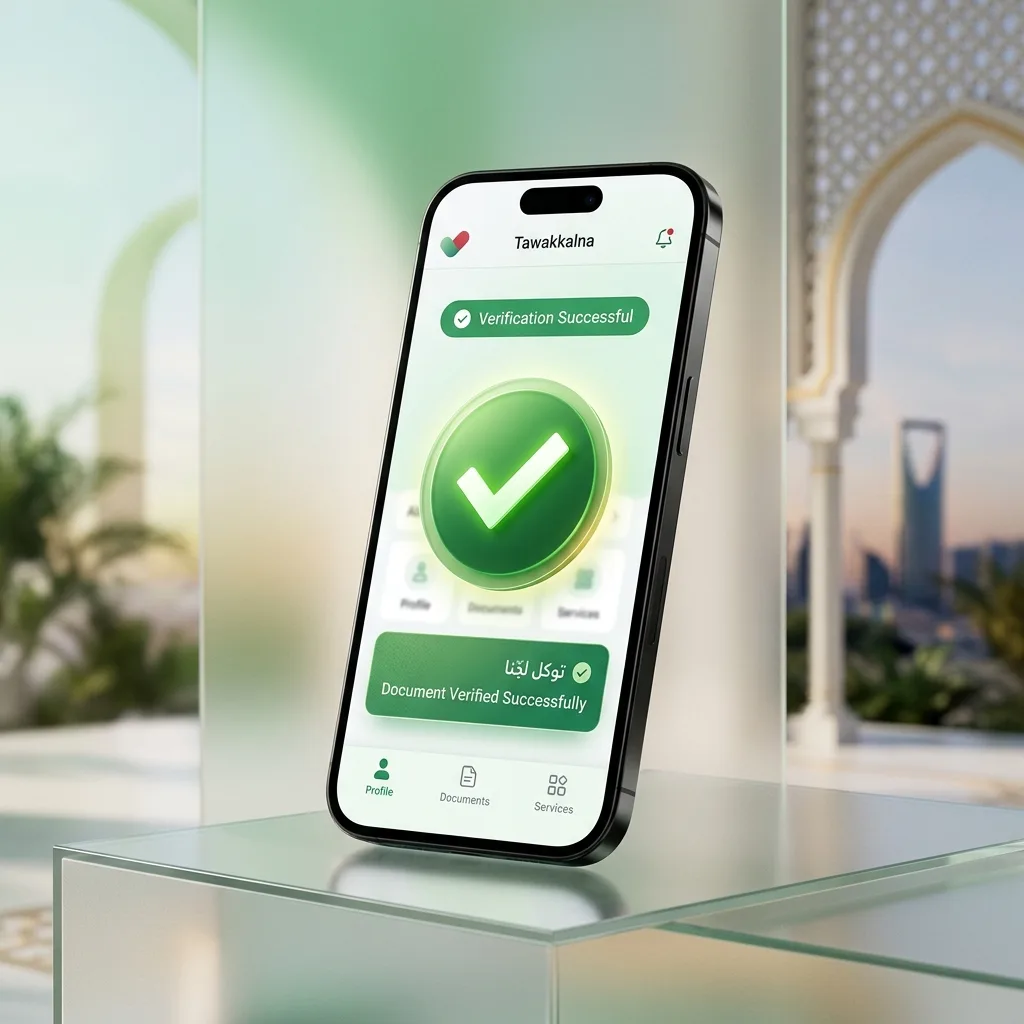
Fix: Tawakkalna App Photo Upload Error - HEIC to JPG
Is the Tawakkalna app rejecting your personal photos? The issue is likely the HEIC format. Here is the fast, safe mobile fix with 100% privacy.