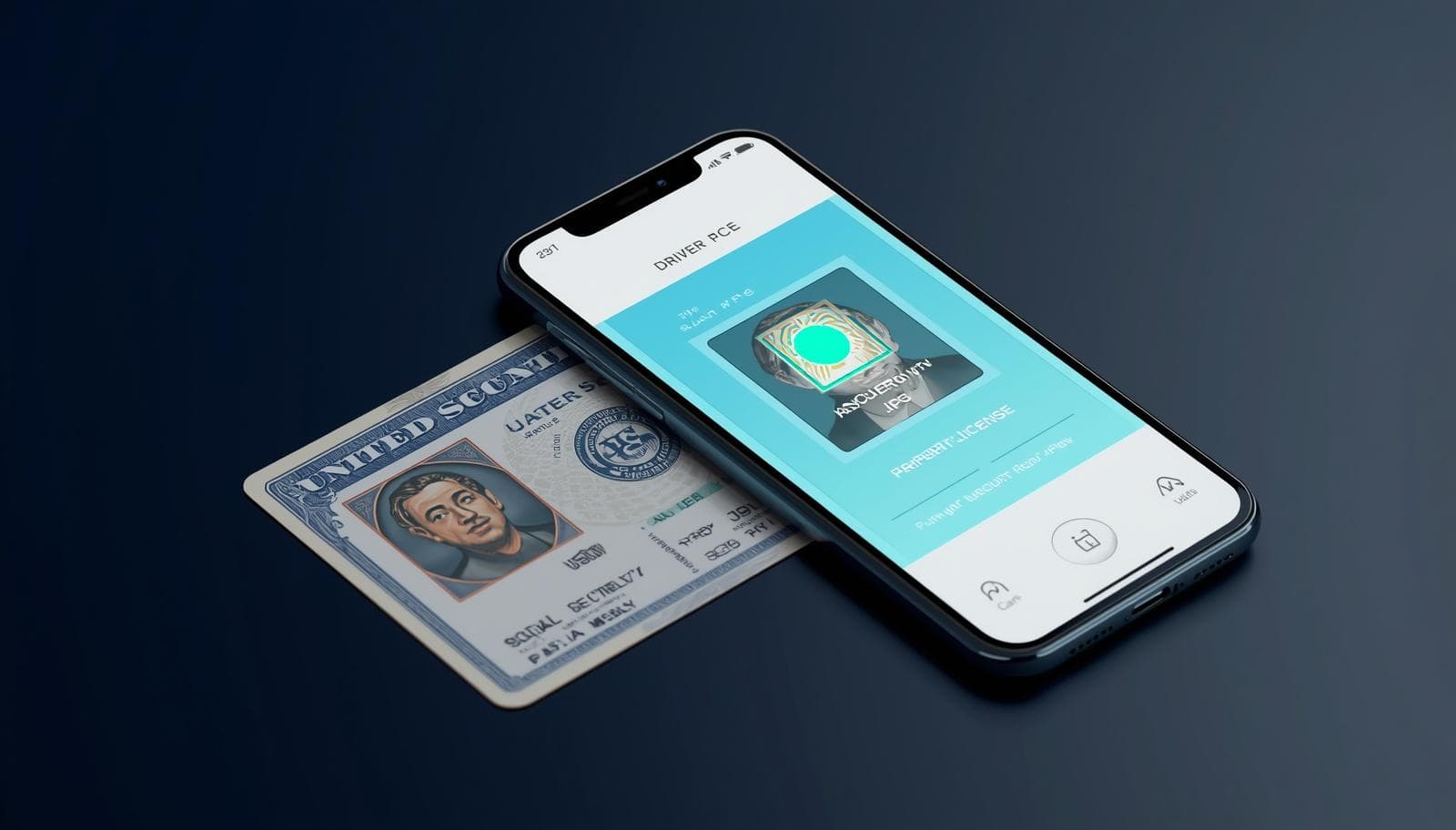
🇺🇸 Why US Portals Reject Your iPhone Photos
Most major US institutional systems — from the IRS and USPS to educational platforms like Canvas and Blackboard — were built on legacy technology that only understands standard JPG or PNG files. iPhones save photos as HEIC by default, which these systems simply don't recognize.
This results in frustrating error messages like 'Invalid file format', 'Upload failed', or the page simply freezing during the submission process.
- 🏦 **ID.me & Login.gov**: Used for Unemployment, DMV, and IRS verification.
- 🎓 **College Board / AP Exams**: Uploading photos of handwritten work.
- 💼 **Workday / Indeed**: Uploading profile photos or resumes.
- 📦 **USPS / Passport Services**: Online document submissions.
🚀 Instant Fix: Convert Your Photo Now
Don't miss a deadline or a payment. Convert your HEIC to JPG right here in your browser with 100% privacy.
🛡️ Your Privacy is Sacred
Government and school documents are sensitive. Unlike other converters, we NEVER upload your photos. Everything stays on your device.
- ✅ No Server Uploads
- ✅ Works on Mobile Safari/Chrome
- ✅ 100% Free for US Users
❓ US Portal FAQ
Why does ID.me say my photo is invalid?
ID.me requires a standard JPG for biometric processing. HEIC files contain extra metadata that their systems cannot parse. Convert to JPG here to fix it.
Can I use a screenshot instead?
Yes, taking a screenshot of the photo on your iPhone saves it as a JPG/PNG, but it may lower the quality. Our converter preserves full quality.
You Might Also Like

Fix: HEIC Upload Error for USCIS, US Passport, and DV Lottery
Are you applying for a US Green Card, renewing your Passport online, or entering the DV Lottery? If you used your iPhone to take your photo, you likely have an HEIC file that the government portal will reject. Here is how to fix it and ensure your application isn't delayed.
How to Upload iPhone Photos to Canvas or Blackboard (Fix HEIC Error)
Are you trying to submit a photo of your handwritten math homework or a project to Canvas or Blackboard, but you keep getting an 'Invalid File Type' error? This is because iPhones save photos as HEIC, which many school systems can't read. Here is how to fix it fast.
How to Print iPhone Photos at CVS, Walgreens, or Walmart (Fix HEIC Error)
Did you go to a CVS or Walgreens to print your vacation photos, only to find the kiosk can't 'see' your iPhone images? Or maybe the Walgreens app gave you an 'Unsupported File' error? This is due to the HEIC format. Here is how to fix it in 30 seconds.