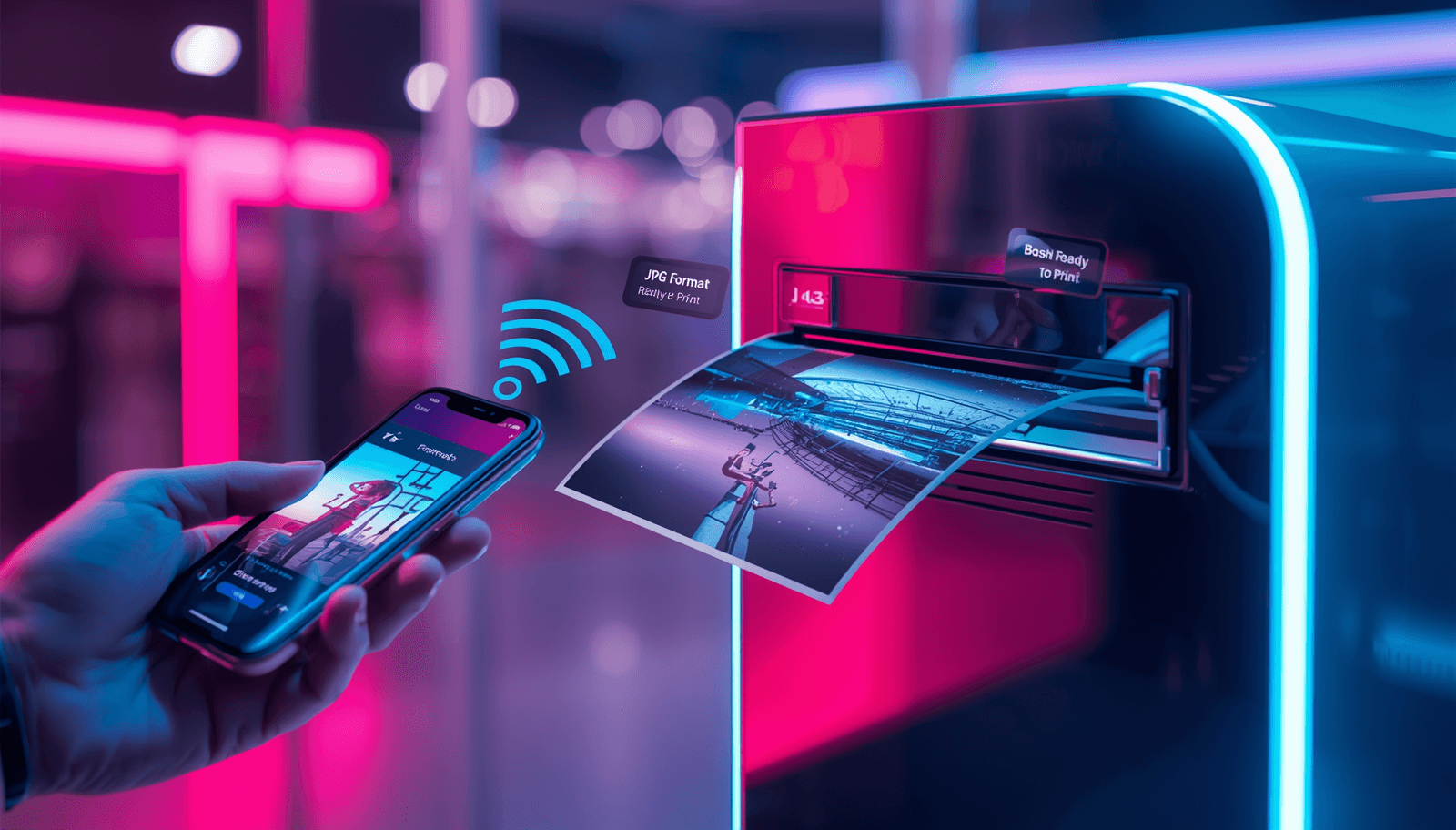
📸 Why Retail Kiosks Reject iPhone Photos
Most photo printing kiosks at CVS, Walgreens, Walmart, and Target use older software that was designed for JPEG files. When you plug in your iPhone or use their apps, they often fail to recognize the HEIC (High Efficiency) format Apple uses by default.
The result? Your photos don't show up in the selection menu, or you get a generic error message saying 'No photos found' or 'Format not supported'.
- 💊 **CVS Photo**: Kiosks and online upload often skip HEIC files.
- 🏥 **Walgreens Photo**: The mobile app and 1-hour photo kiosks prefer JPG.
- 🛒 **Walmart Photo**: Older kiosks cannot decode iPhone HEIC images.
- 🎯 **Target / Shutterfly**: Uploads may fail or lose quality if not converted.
🚀 Ready to Print? Convert Your Photos Now
Don't leave the store frustrated. Convert your HEIC photos to JPG right here on your phone and re-upload them to the retail app instantly.
💡 Pro Tips for Perfect Prints
When converting for printing, quality matters. Our converter maintains the high-resolution detail of your original photo so your 4x6 or 8x10 prints look sharp.
- ✅ High Resolution Preserved
- ✅ Correct Aspect Ratio
- ✅ 100% Free & Private
❓ Photo Printing FAQ
Can I print HEIC directly at CVS?
Some newer 'Apex' kiosks support it, but many older ones do not. It's much safer to convert to JPG first to avoid a wasted trip.
Will converting my photos reduce the print quality?
No. Our tool uses high-quality encoding to ensure your JPG is indistinguishable from the HEIC original when printed.
You Might Also Like

Fix: iPhone Photo Upload Error on US Portals (ID.me, IRS, College Board)
Are you trying to verify your identity on ID.me, submit an AP exam to the College Board, or file documents with the IRS, but your iPhone photos keep getting rejected? You're facing a classic 'HEIC Compatibility' issue. Here is how to fix it in seconds.
Fix: HEIC Upload Error for USCIS, US Passport, and DV Lottery
Are you applying for a US Green Card, renewing your Passport online, or entering the DV Lottery? If you used your iPhone to take your photo, you likely have an HEIC file that the government portal will reject. Here is how to fix it and ensure your application isn't delayed.
How to Upload iPhone Photos to Canvas or Blackboard (Fix HEIC Error)
Are you trying to submit a photo of your handwritten math homework or a project to Canvas or Blackboard, but you keep getting an 'Invalid File Type' error? This is because iPhones save photos as HEIC, which many school systems can't read. Here is how to fix it fast.