Navigating the UK Digital Passport Photo Requirements
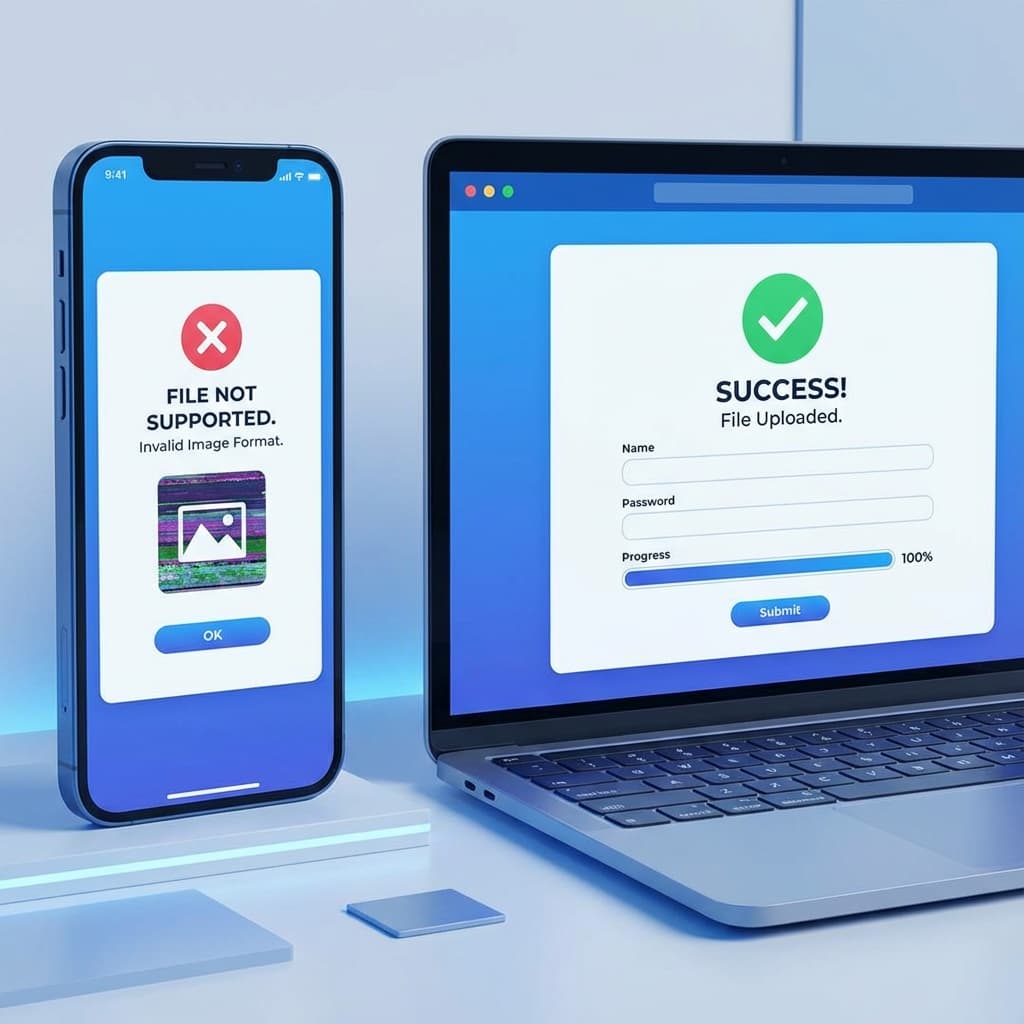
The HM Passport Office (HMPO) digital renewal system is efficient, but it has very strict rules for photo uploads. If you are using an iPhone, you will almost certainly run into the "Unsupported File Format" error because your photo is in HEIC.
Our tool is designed to provide a 100% compliant JPG that passes the UK government's AI checks on the first attempt.
- ✅ Width: At least 600 pixels.
- ✅ Height: At least 750 pixels.
- ✅ Format: JPG or JPEG (No HEIC).
- ✅ File Size: Between 50KB and 10MB.
- ✅ Background: Plain cream or light grey (Not pure white).
How to Resize for UK Passport Online
You don't need a professional photographer. Simply take a photo against a light grey wall and use our "Official Document Mode":
Take Photo
Stand 1.5 meters away from a light grey or cream wall.
Convert HEIC
Upload the photo here. We instantly turn it into a high-quality JPG.
Auto-Resize
Our tool ensures the image is exactly the right pixel dimensions for HMPO.
Fix Your UK Passport Photo
Get a 600x750px JPG that meets all HM Passport Office standards.
Start UK ConversionCommon Mistakes in UK Passport Photos
Beyond the file format, the UK government's AI often rejects photos for these reasons:
- ❌ Pure White Background: The UK system prefers a subtle cream or light grey background to distinguish hair color.
- ❌ Red-eye or Flash: Avoid using flash; natural daylight is best.
- ❌ Compression Artifacts: Some online tools compress images too much. Our tool maintains the required 50KB+ minimum for clarity.
UK Passport FAQ
Does the UK government accept HEIC files?
No. You must convert your iPhone photos to JPG before uploading them to the GOV.UK portal.
What is the 'Photo Code' (Digital Code)?
Some photo booths provide a code. However, you can also upload your own digital photo directly to the portal. Our tool helps you prepare your own photo to save money.
قد يعجبك أيضاً

حل مشكلة: فشل رفع صور الآيفون لموقع USCIS والجوازات الأمريكية واللوتري
هل تتقدم للحصول على الجرين كارد، أو تجدد جواز سفرك الأمريكي عبر الإنترنت، أو تشارك في قرعة اللوتري (DV Lottery)؟ إذا استخدمت الآيفون لالتقاط صورتك، فمن المحتمل أن يكون لديك ملف HEIC سيرفضه الموقع الحكومي. إليك كيفية إصلاح ذلك لضمان عدم تأخير طلبك.
حل مشكلة: خطأ رفع الصور في المواقع الحكومية الهندية (جواز السفر، OCI، التأشيرة)
هل تحاول التقديم على جواز سفر هندي، أو بطاقة OCI، أو تأشيرة إلكترونية (e-Visa)، ولكن يتم رفض صور الآيفون الخاصة بك؟ المواقع الحكومية الهندية مثل Passport Seva و OCI لديها اشتراطات صارمة للغاية فيما يخص التنسيق (JPG)، الأبعاد، وحجم الملف. إليك الحل السريع والآمن.