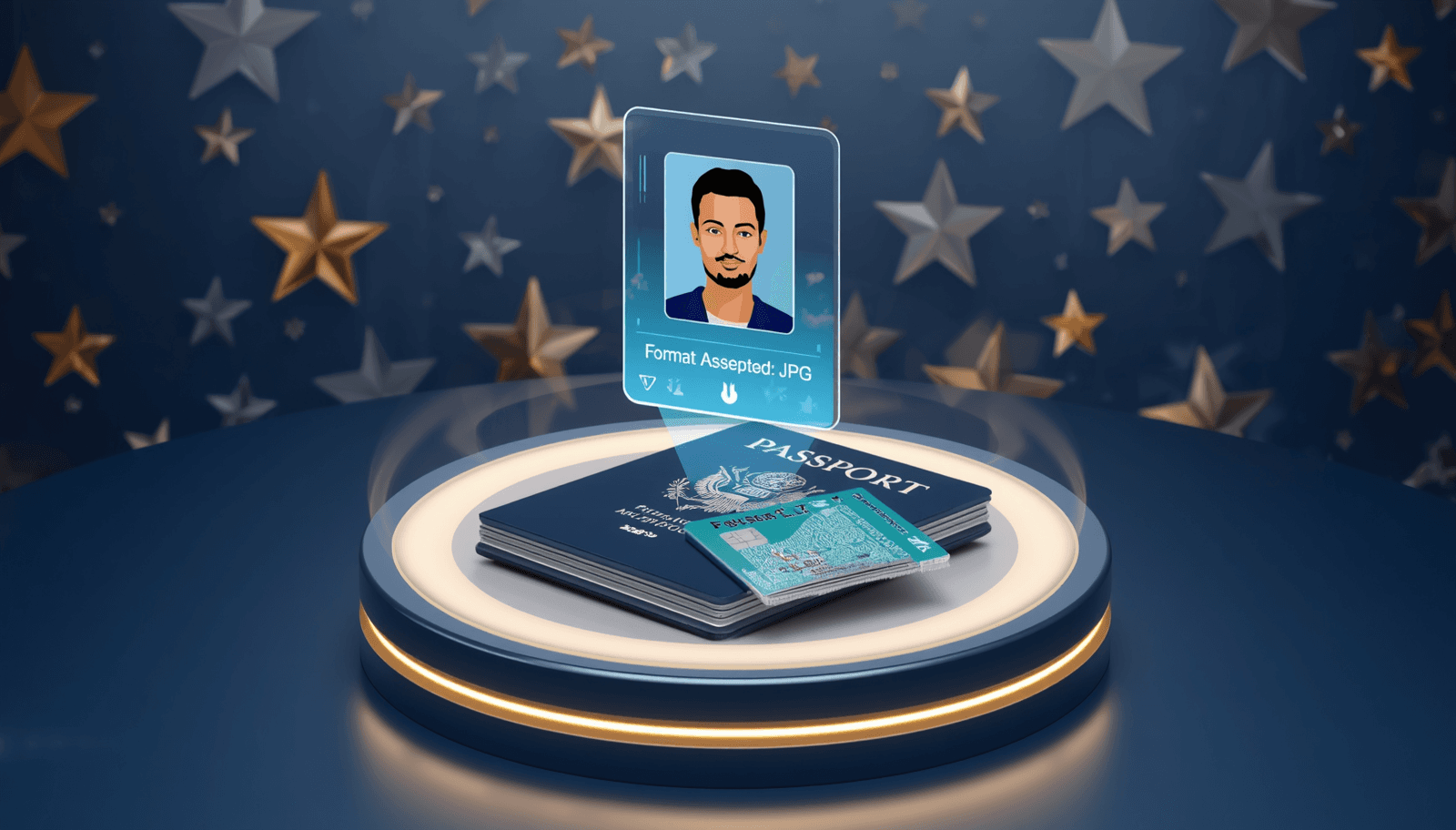
Cracking the USCIS 'Overly Compressed' Code
If you are applying for US Citizenship (N-400), a Green Card (I-485), or an Employment Authorization (I-765), you have likely encountered the most annoying error on the internet: "Image is overly compressed."
This error is actually a bug in how the USCIS portal handles modern file formats and metadata. Even if you upload a high-quality photo from your iPhone, the portal thinks it's low-quality because it's in HEIC format or has unexpected JPEG headers.
- ❌ HEIC Format: The portal doesn't recognize Apple's High Efficiency format.
- ❌ DPI Meta-Data: If the DPI is missing, the tool assumes it's "overly compressed".
- ❌ Wrong Dimensions: Anything other than exactly 600x600 pixels usually fails.
The 100% Guaranteed USCIS Fix
Our converter is optimized to strip out the problematic iPhone metadata and provide a clean, high-DPI JPG that the USCIS AI tool will love.
Upload HEIC
Upload your iPhone portrait or selfie to our converter.
Select 2x2 Preset
Select "US Passport / USCIS (2x2 inch)" to auto-crop to 600x600 px.
Download JPG
Download the result and upload to USCIS. The error will disappear!
Fix Your USCIS Photo Error
Get a compliant 600x600px JPG that passes the USCIS tool instantly.
Convert for USCISTechnical Specs for US Documents
For a successful application, ensure your photo meets these additional 2026 standards:
| Requirement | Specification |
|---|---|
| Dimensions | Exactly 600 x 600 pixels |
| Format | JPEG / JPG |
| Color Space | sRGB (standard) |
| File Size | Less than 240 KB |
USCIS Photo Tool FAQ
Does the USCIS photo tool accept HEIC?
No. Even though iPhones are popular, the US government portals require JPG. Our tool converts HEIC to JPG locally in your browser for maximum security.
Is it safe to use an online tool for my immigration photo?
Yes, but only if the tool is client-side like ours. We never upload your sensitive passport photos to a server. Everything happens on your device.
قد يعجبك أيضاً

مُصغر صور OCI عبر الإنترنت — 350x350 و 51x51mm
متطلبات صور التسجيل في OCI صارمة للغاية: 350x350 بكسل أو 51x51 ملم (2x2 بوصة). يعاني معظم المتقدمين مع نسبة التوقيع 3:1، لكن أداتنا تقوم بأتمتة العملية بالكامل.
حل مشكلة: خطأ رفع الصور في ID.me والضرائب الأمريكية (IRS) - HEIC إلى JPG
هل تحاول توثيق هويتك عبر ID.me لمصلحة الضرائب (IRS) أو الضمان الاجتماعي وتواجه خطأ في الرفع؟ السبب هو تنسيق HEIC في الآيفون. إليك الحل الآمن والخاص.