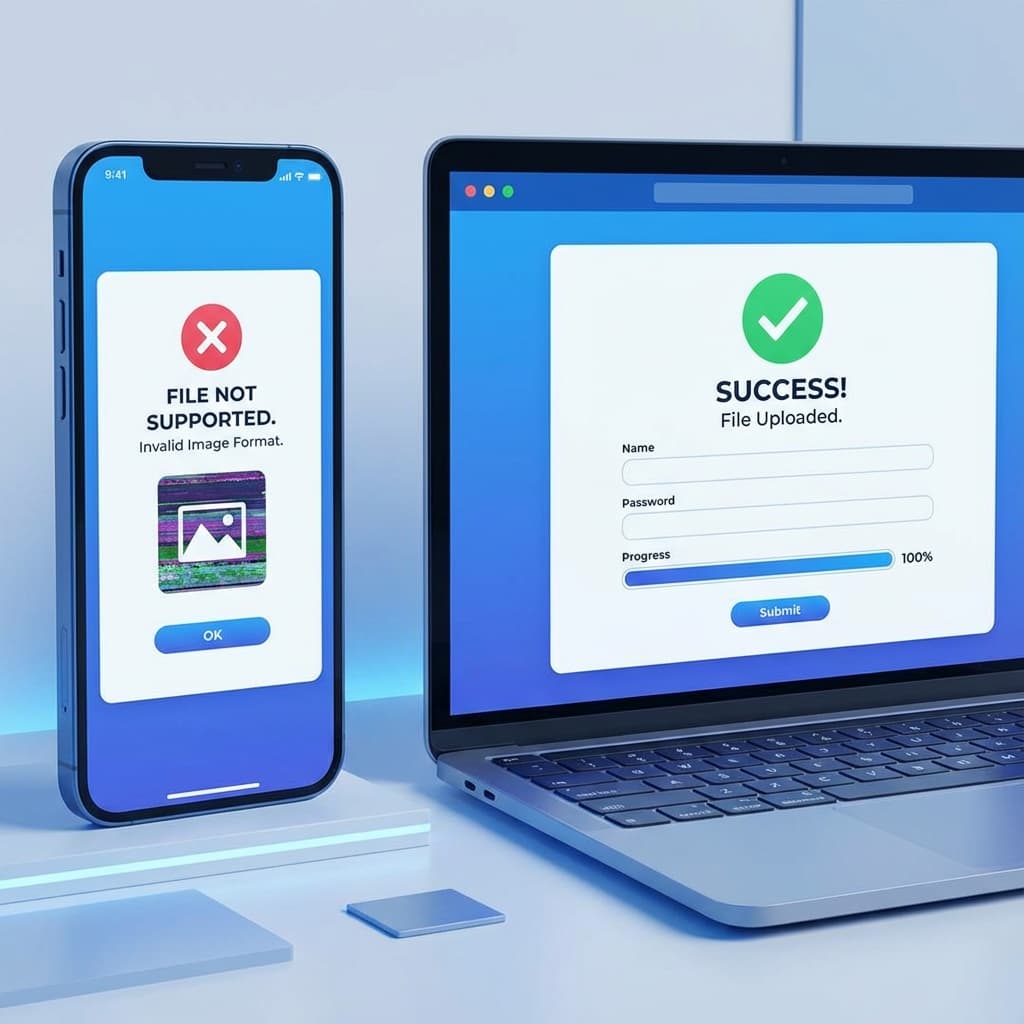
Solving IRCC Portal Photo Upload Errors
If you are applying for a Canada Visitor Visa, Study Permit, or Permanent Residence (e-PR), you've likely encountered the IRCC portal's strict validation. Modern iPhone users are often stuck because the system does not recognize the HEIC format.
Our tool provides a guaranteed fix by converting your photo to a portal-compliant JPG with the exact dimensions required by the Canadian government.
- ✅ Dimensions: Minimum 420 x 540 pixels.
- ✅ Aspect Ratio: Portrait (approx 3.5:4.5).
- ✅ File Format: JPG or JPEG (Strictly).
- ✅ File Size: Between 60KB and 240KB.
How to Resize for Canada Visa Online
To ensure your application isn't delayed, follow these steps using our "Official Document Mode":
Upload HEIC
Select your iPhone photo. Our tool handles HEIC files natively in your browser.
Select Canada Preset
Choose "Canada IRCC" from the dropdown. We set the dimensions to 420x540px.
Auto-Compress
We ensure the file is between 60KB and 240KB to pass IRCC's strict size check.
Fix Your Canada IRCC Photo
Get a portal-ready JPG in seconds. Free, private, and secure.
Start Canada ConversionWhy IRCC Rejects Photos
Beyond the file format, many applicants face rejection for:
- ❌ Incorrect DPI: Low-resolution screenshots are often rejected. Our tool maintains high DPI.
- ❌ File Size Too Low: If your file is under 60KB, the IRCC portal might flag it as poor quality. We use intelligent padding to ensure the size is correct.
- ❌ Non-Neutral Expression: Ensure your mouth is closed and you are looking directly at the camera.
Canada IRCC FAQ
Does IRCC accept HEIC photos?
No. The IRCC online portal only supports JPEG/JPG format. You must convert your HEIC photos before uploading.
What is the minimum pixel size for a Canada Visa photo?
The minimum size is 420 x 540 pixels. However, we recommend 840 x 1080 pixels for better clarity, as long as it stays under 240KB.
You Might Also Like

Fix: HEIC Upload Error for USCIS, US Passport, and DV Lottery
Are you applying for a US Green Card, renewing your Passport online, or entering the DV Lottery? If you used your iPhone to take your photo, you likely have an HEIC file that the government portal will reject. Here is how to fix it and ensure your application isn't delayed.
UK Passport Photo Resizer — Fix Digital Upload Error (HEIC to JPG)
Applying for a UK Passport online? HM Passport Office (HMPO) requires a digital photo that meets very strict standards. iPhone users often fail due to the HEIC format or incorrect pixel dimensions.